Reading Mode
On This Page
Quick Answer
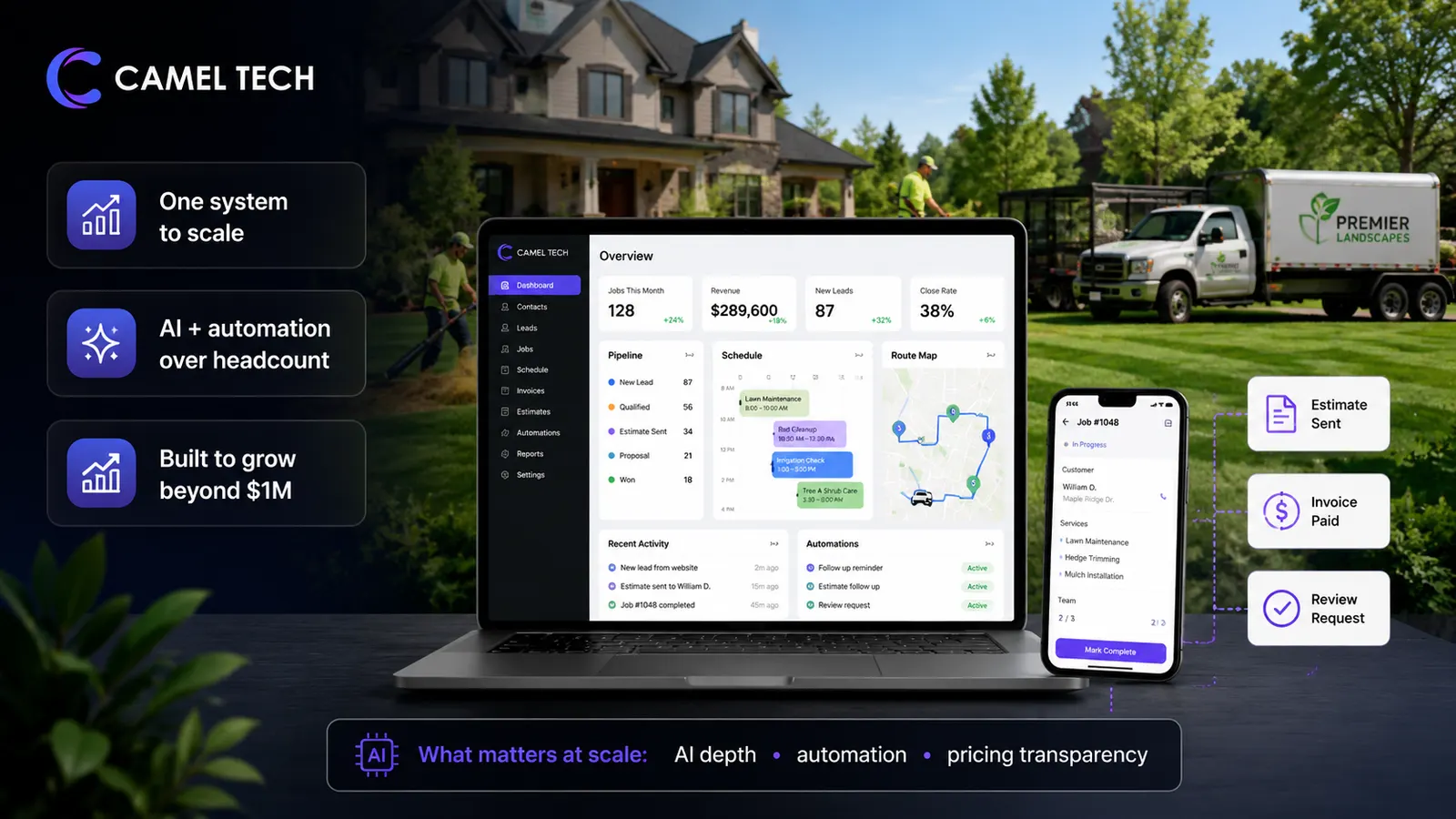
The landscaping businesses that scale run their whole operation from one system.
Most landscape CRM reviews compare features. We compare what happens 12 months after you implement.
Purpose-built tools handle today’s jobs. Only a few give you the operating system to scale. AI does the heavy lifting that used to require headcount.
Key Takeaways
This review ranks the 10 best landscape CRM tools in 2026 based on what actually matters at scale: AI depth, automation capability, pricing transparency, and whether the platform grows with you or caps you at $1M.
Why Trust This Content
At Camel Tech, we’ve built CRM and operations systems for 80+ businesses across the US, Canada, and Australia: landscaping companies, field service operations, construction firms, and accounting practices. We hold a Certified ClickUp Consultant credential, Notion Consulting Partner status, and monday.com Official Partner designation. We’ve implemented systems on every platform in this list. We know where they break, not just where they sell. One client, Crease Group, scaled from $3M to $10M in 12 months on a ClickUp system we built.
How We Ranked These Tools
Step 01: Field testing. We’ve built systems on these platforms for real landscaping businesses. Not 14-day trial evaluations.
Step 02: Feature verification. Core claims checked against 2026 documentation, changelogs, and third-party technical reviews.
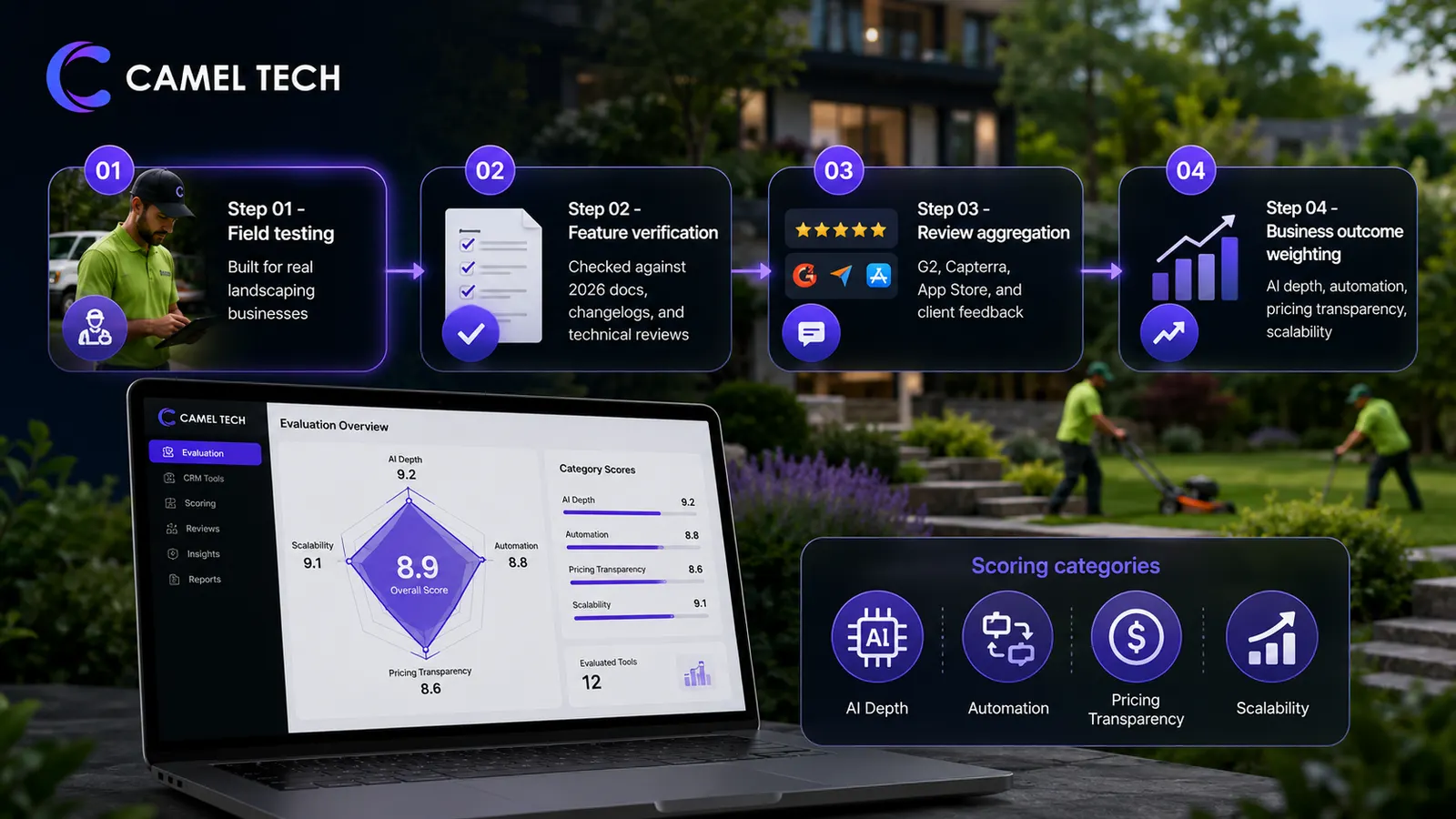
Step 03: Review aggregation. G2, Capterra, App Store, and direct client feedback from landscaping operators using these tools daily.
Step 04: Business outcome weighting. Tools scored on AI depth, automation capability, pricing transparency, and scalability. A tool that works at $300K but forces a migration at $1.5M ranks lower.
Editor Picks
Best Overall: QuoteIQ AI-native CRM built by contractors, for contractors. Satellite measurement, AI estimating, AI call team, and full CRM in one subscription. Every AI feature is included on every plan.
Runner-Up: Jobber, the most established purpose-built landscaping CRM. Recurring jobs, route-ready scheduling, and a mature integration ecosystem. The industry standard for a reason.
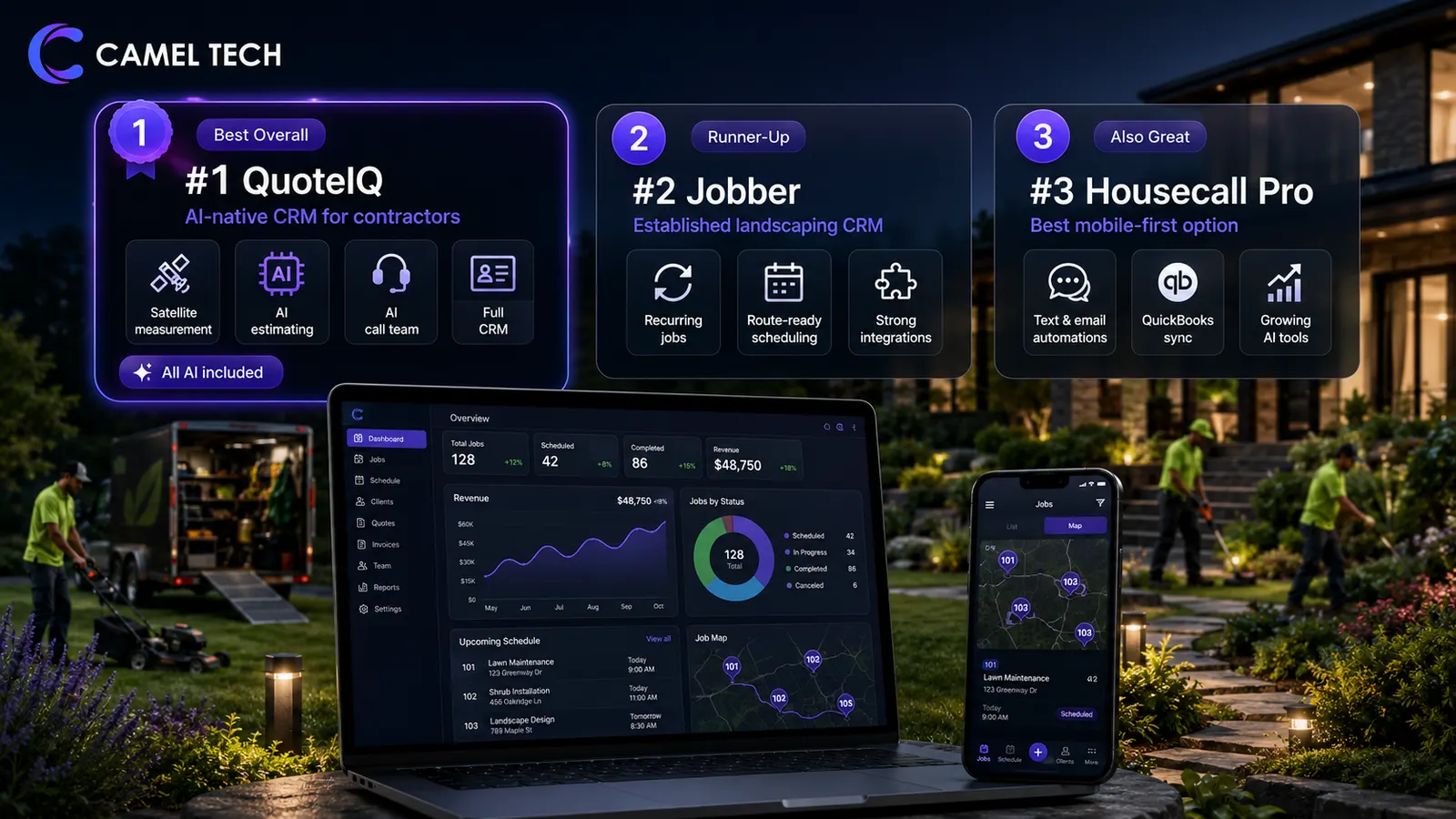
Also Great: Housecall Pro Best mobile-first execution for owner-operators. Built-in text and email automations, strong QuickBooks sync, and a growing AI team suite.
Comparison Table
AI Depth is a Camel Tech-added dimension. It scores the breadth and native integration of AI features: estimating, call handling, autonomous follow-up, agent capabilities. Not just whether the word “AI” appears on the marketing page.
Pricing Comparison at a Glance (2026)
What a landscaping business actually pays depends on team size, AI needs, and add-ons. Not the entry price on the marketing page.
This is the section most comparison articles get wrong. They compare entry prices. Entry prices are irrelevant. What matters is what a real landscaping business actually pays once it adds the features it needs, the users it has, and the AI it wants.
QuoteIQ Pricing (Flat-Rate, No Per-User Fees)
Annual billing saves 2 months on every plan. No contracts. 14-day free trial on all plans. Every AI feature is included on every plan. No add-ons.
Jobber Pricing (Per-User Model)
Additional users: $29/month each on any plan.
AI Receptionist: $29/month add-on (30 conversations included; $0.79/additional conversation). Included in Plus.
Marketing Suite: $79/month add-on. Annual billing saves approximately 30 to 40%.
Housecall Pro Pricing (Per-User Tiers)
Additional users on MAX: $35/month each. CSR AI (call answering): paid add-on (pricing not publicly listed on lower tiers). Annual billing saves roughly 20%.
What a 5-Person Landscaping Crew Actually Pays (Monthly)
This is the comparison that matters. Not entry prices. Real cost for a real team.
QuoteIQ Pro at $149.99/month for a 5-person crew includes everything. Jobber Connect Team at $169/month (1-year commitment) is just the base. Add AI Receptionist ($29 + usage), CompanyCam photo docs (~$95), and the gap still widens depending on call volume. Housecall Pro Essentials at $149 to $189 is competitive on base price but lacks satellite measurement, AI estimating, and consumer financing on that tier.
The pricing gap compounds as team size grows. A 10-person crew on QuoteIQ Elite pays $299/month flat. The same crew on the Jobber Grow Team pays a $349/month base plus add-ons.
The AI Battle: QuoteIQ vs Jobber vs Housecall Pro
AI in landscape CRM is no longer experimental. It’s the dividing line between businesses that scale and businesses that plateau.
This is the section that matters most in 2026. AI is no longer a nice-to-have. It’s the difference between a landscaping business that scales with the same team and one that adds headcount for every new client.

QuoteIQ AI: The Deepest Native AI Stack in Landscape CRM
QuoteIQ ships every AI feature on every plan, including the $29.99 Essentials tier. No add-ons. No feature gates. The AI runs on AI Credits. 500/month on Essentials up to 8,000/month on Max.
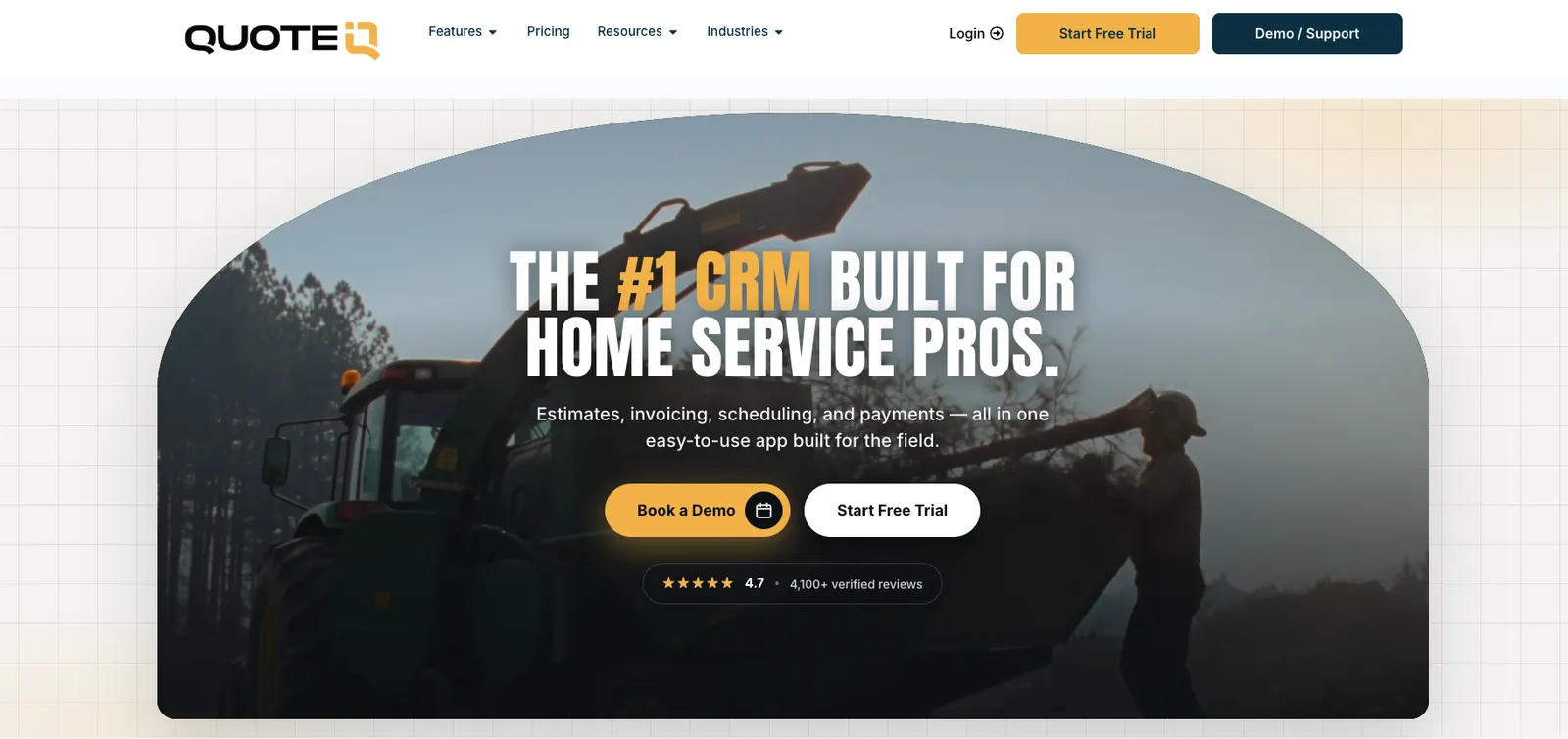
AI Autopilot: Natural-language interface wrapping 35+ CRM tools. “Invoice today’s completed jobs.” “Schedule Mike for Friday at 9 am.” “Text all customers with jobs tomorrow a reminder.” Voice or text input. Zero learning curve for field crews.
Virtual Call Team: 24/7 AI receptionist that answers inbound calls, qualifies leads, books appointments, filters spam, records calls, transcribes conversations, and syncs everything to the dashboard. Customizable voice and tone. The feature no competitor matches: outbound batch calling. The AI agent calls prospects, past customers, or follow-up lists simultaneously, delivers your message conversationally, captures responses, and logs everything. No other landscape CRM offers outbound AI calling.
AI Estimator: Upload a photo or describe the job. AI generates a market-accurate estimate based on local pricing data. Paired with MapMeasure Pro (satellite property measurement), a crew can measure a property remotely and generate a priced estimate without a site visit.
Before/After Generator: Upload a current property photo.. AI generates a visualization of the completed work. Clients see what their property will look like before signing. Closes jobs faster than any pitch deck.
AI CoPilot: Chat-based AI inside the estimate and invoice editors. Auto-complete for line items, descriptions, and pricing.
Smart Import: AI-assisted data migration from other CRMs.
API and integrations: Outbound API with webhook support for real-time event triggers (estimate created, schedule updated, invoice sent). Integrates with Google Calendar, Slack, Zapier, Make, and Webhook Relay. No native MCP server (yet), but webhook architecture supports n8n and Make-based agent integrations.
Jobber AI: Solid Foundation, Add-On Model
Jobber launched Copilot in October 2024 and AI Receptionist in August 2025. The AI strategy is functional but gated behind add-ons and higher tiers.
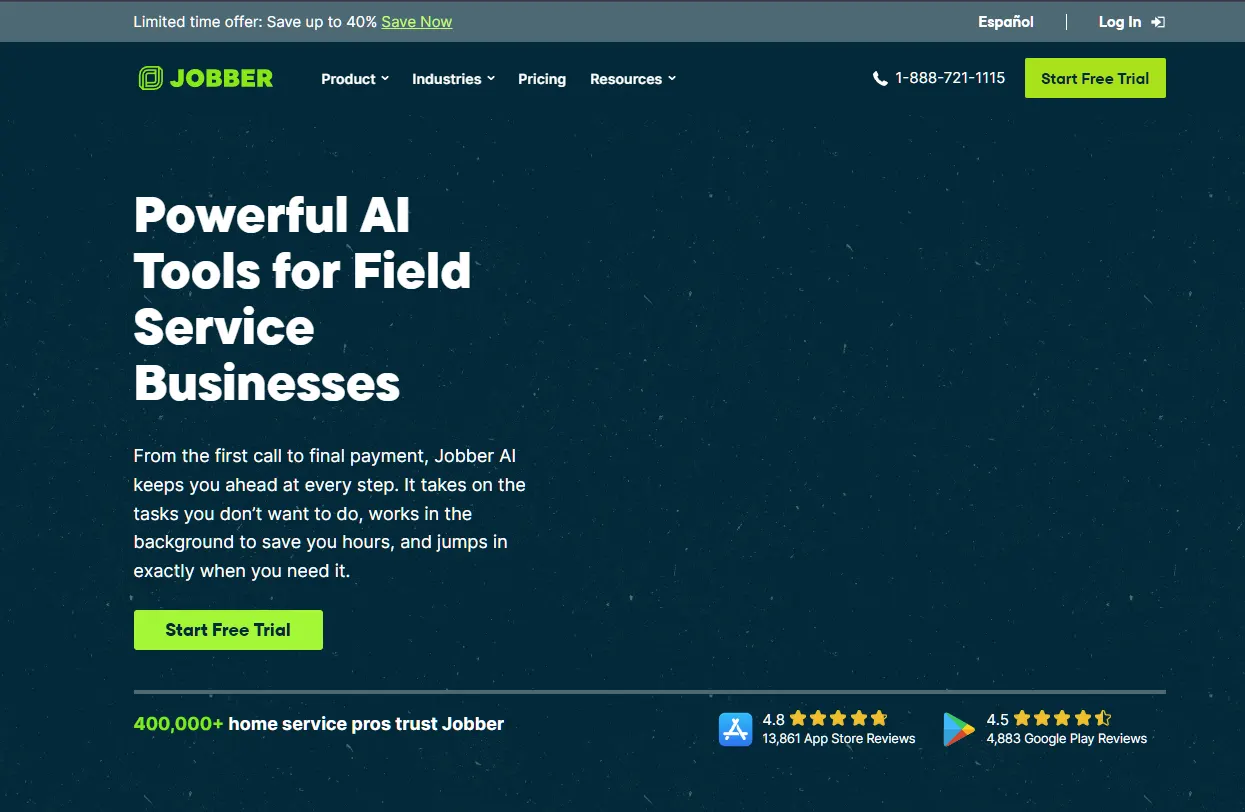
Jobber AI (Chat and Voice, included on all plans): Jobber AI Chat answers business data questions, drafts quote content, recommends automations, and coaches on growth decisions using your actual Jobber data. Jobber AI Voice lets field workers log notes, update job progress, create quotes, and adjust schedules hands-free in the mobile app, with instant translation across multiple languages: genuinely useful for landscaping crews in the field. No longer in beta. Think of it as an always-on business analyst and field assistant. Copilot was the original product name at launch in October 2024; Jobber has since expanded it under the Jobber AI umbrella.
AI Receptionist: $29/month add-on (includes 30 conversations per billing cycle; $0.79 per additional conversation). Answers inbound calls and texts, captures caller details, creates work requests, and books appointments into Jobber’s schedule. Inbound only. No outbound calling. Available as an add-on on Core, Connect, and Grow plans. Included at no extra cost on Plus. Minimum total cost for AI call answering: Core ($29 annual) + Receptionist ($29) = $58/month plus usage-based overages.
No AI estimating. No satellite property measurement. No AI-generated before/after visuals. No natural-language CRM control. No outbound AI calling.
API: Public REST API available. Webhooks for real-time data. The integration ecosystem is the most mature of the three (400+ apps via Zapier, direct integrations with QuickBooks, Stripe, Mailchimp, CompanyCam). No MCP server.
Housecall Pro AI: Growing Suite, Still Catching Up
Housecall Pro launched its AI Team Suite in 2024 and has expanded it through 2025 and 2026. The approach is modular: some AI is included, some is an add-on.
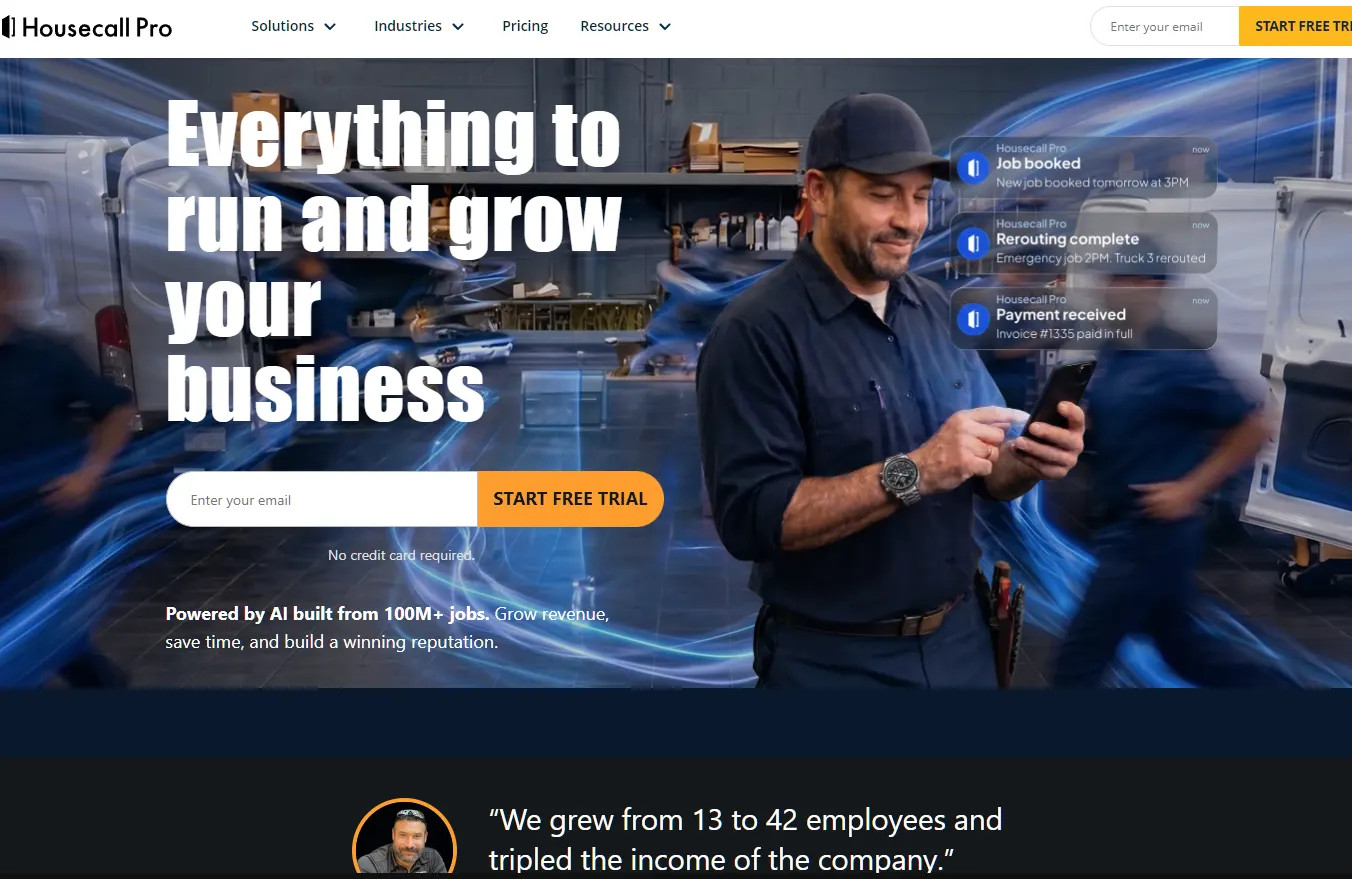
Included on all plans:
AI Team suite: Analyst AI (natural-language business data queries), Coach AI (growth and pricing advice), Marketing AI (campaign copy generation). These are useful time-savers, not autonomous agents.
CSR AI (paid add-on): AI call answering and job scheduling, available 24/7. Answers inbound calls, qualifies leads, captures job details, and books appointments directly into the dispatch board. Housecall Pro also offers HCP Assist as a separate 24/7 call answering add-on. Native voice call answering no longer requires a third-party integration.
Accountant AI: Ask accounting questions inside Housecall Pro and get instant answers based on your financial data. Useful for quick financial decisions.
No AI estimating. No satellite property measurement. No AI-generated visuals. No natural-language CRM control. No outbound AI calling.
API: REST API with webhooks available on the MAX plan. JSON structure covering jobs, customers, invoices, employees, and payment events. API access is gated to the top tier. Confirm access on your current plan before committing. Integrates with Zapier, QuickBooks, Google Calendar, Mailchimp, and Square. No MCP server.
AI Comparison Table
The 2026 AI Verdict
QuoteIQ has the deepest native AI stack in the landscape CRM category. Every AI feature is included on every plan. The Virtual Call Team with outbound batch calling, the AI Estimator, and the Before/After Generator are features that no competitor ships natively at any price. Jobber has the most mature integration ecosystem and an expanding Jobber AI suite (Chat and Voice on all plans), but AI call answering via the Receptionist add-on ($29/month plus per-conversation overages) still layers on top of already tiered plan costs. Housecall Pro’s AI is growing, but still fragmented between included and add-on features.
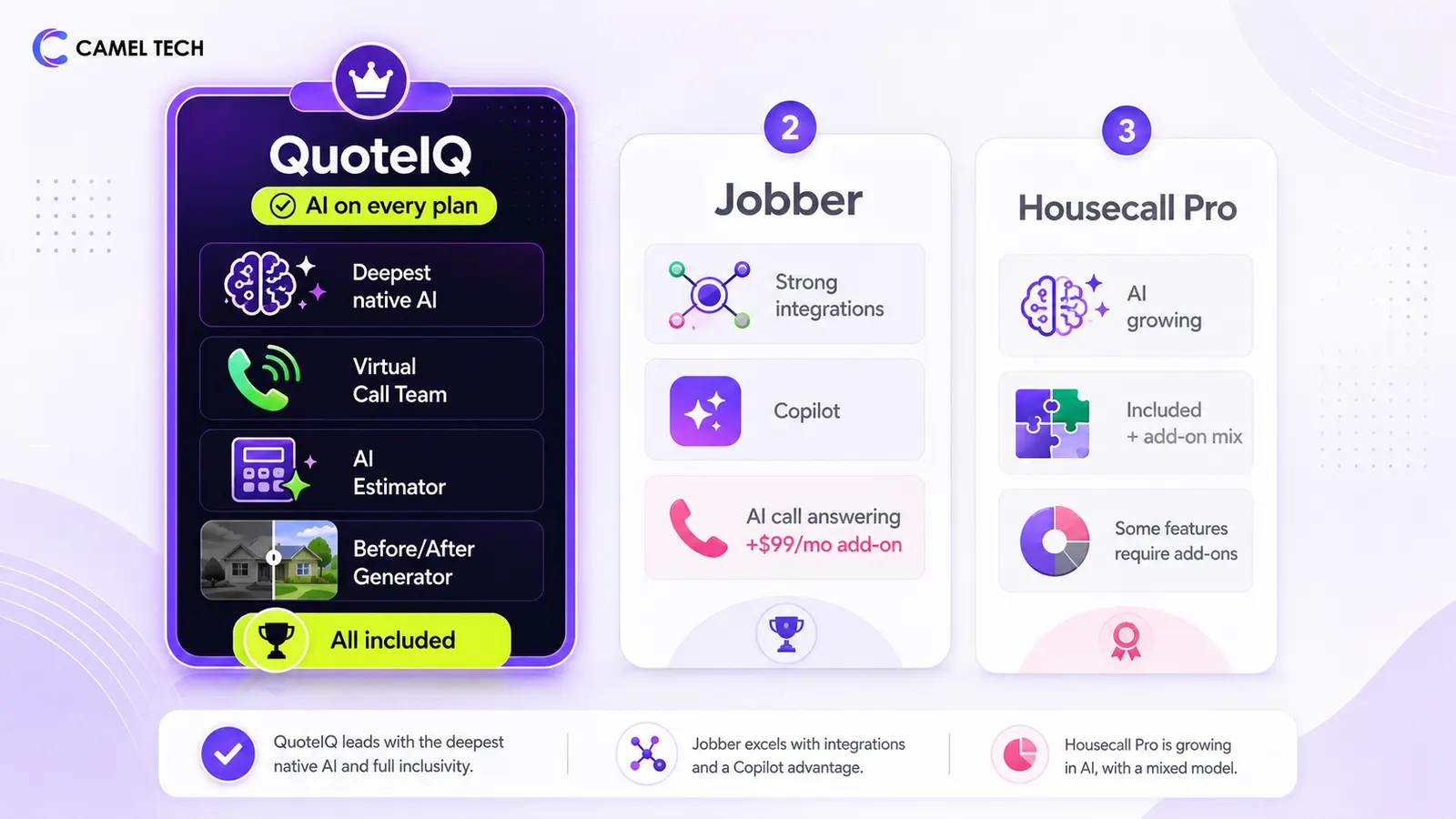
For a landscaping business choosing a platform in 2026 with AI as a priority, QuoteIQ is better positioned than both Jobber and Housecall Pro.
For businesses that need MCP, agent orchestration, or deep third-party AI integrations (Claude, GPT, n8n-based agents), none of the three offer native MCP servers today. All three support webhook-based integrations that can be integrated with external AI systems via Zapier, Make or n8n. Jobber’s API ecosystem is the most mature for this use case. QuoteIQ’s outbound API with event-based webhooks works well for agent integration.
Tool Deep-Dives
1. QuoteIQ
Category: AI-native field CRM
Overall: 9.2/10 | Features: 9.4/10 | Ease: 8.5/10 | Value: 9.3/10 | AI Depth: ★★★★★
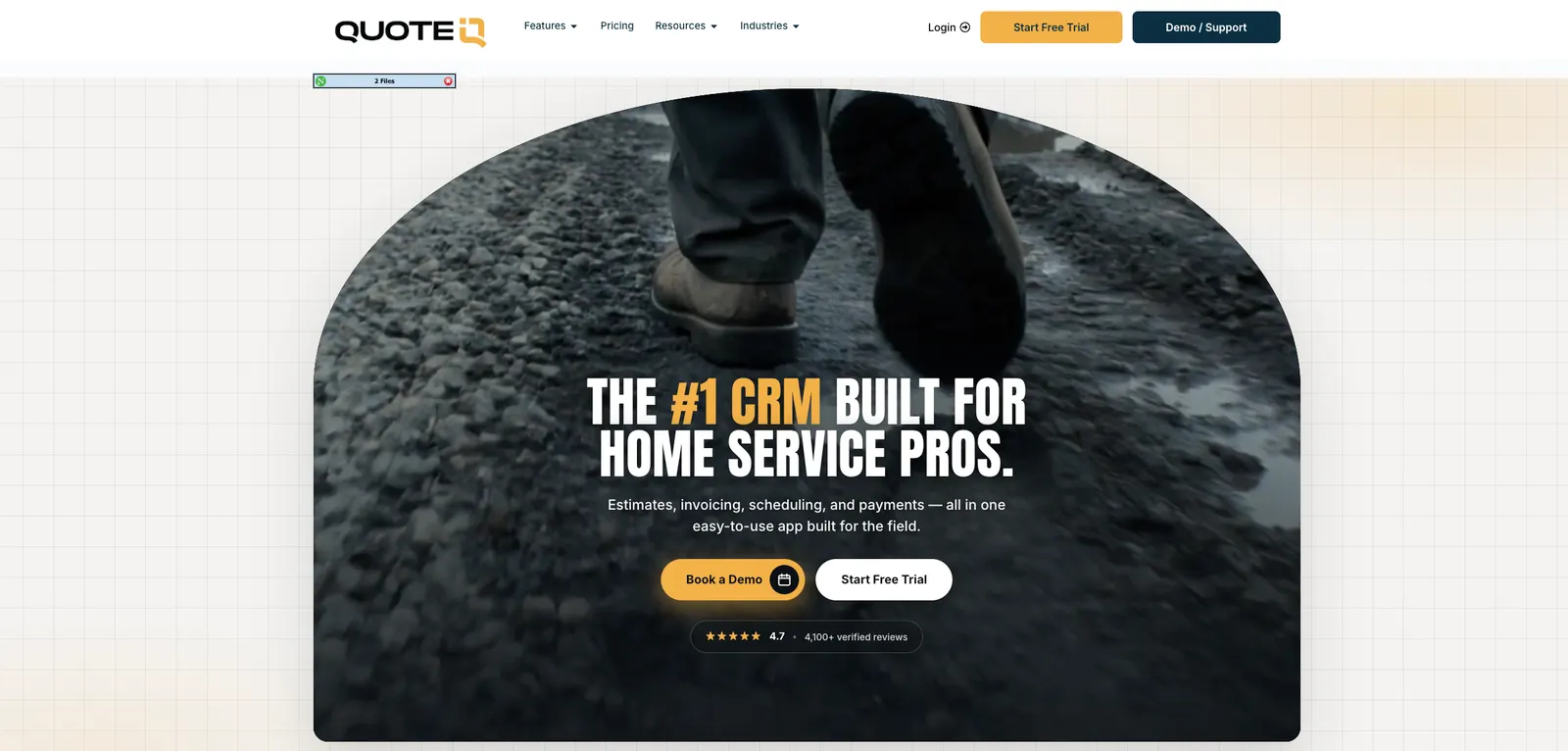
App Store: App Store: 4.7/5 across 2,900+ reviews | Google Play: 4.7/5 across 1,100+ reviews | 4,100+ total
Standout feature: Every AI feature. Autopilot, Virtual Call Team, AI Estimator, Before/After Generator. Included on every plan from $29.99/month. No add-ons. No feature gates.
QuoteIQ’s all-in-one CRM: pipeline, invoicing, AI Autopilot, and scheduling in one view.
QuoteIQ was built by contractors who got tired of paying for 5 tools that should have been one.
The platform combines full CRM, satellite property measurement (MapMeasure Pro), AI-powered estimating, 24/7 AI call answering with outbound campaigns, recurring scheduling, route optimization, GPS tracking, job costing, invoicing, consumer financing (Affirm, Klarna, Afterpay via Stripe), photo documentation, and crew management. All-in-one subscription.
MapMeasure Pro: measure lawns, beds, hardscape, and edging from satellite imagery in 90 seconds. No site visit needed for the initial quote.
For landscapers specifically, the combination of MapMeasure Pro and the AI Estimator is the most consequential workflow on this list. Measure a property from satellite imagery in 90 seconds. Generate a market-accurate estimate from the measurements. Send it to the client with Good/Better/Best tier options. The client taps to select, e-signs from their phone. No site visit required for the initial quote. For a business quoting 30 residential maintenance clients per month, this automation alone recovers 15 to 20 hours.
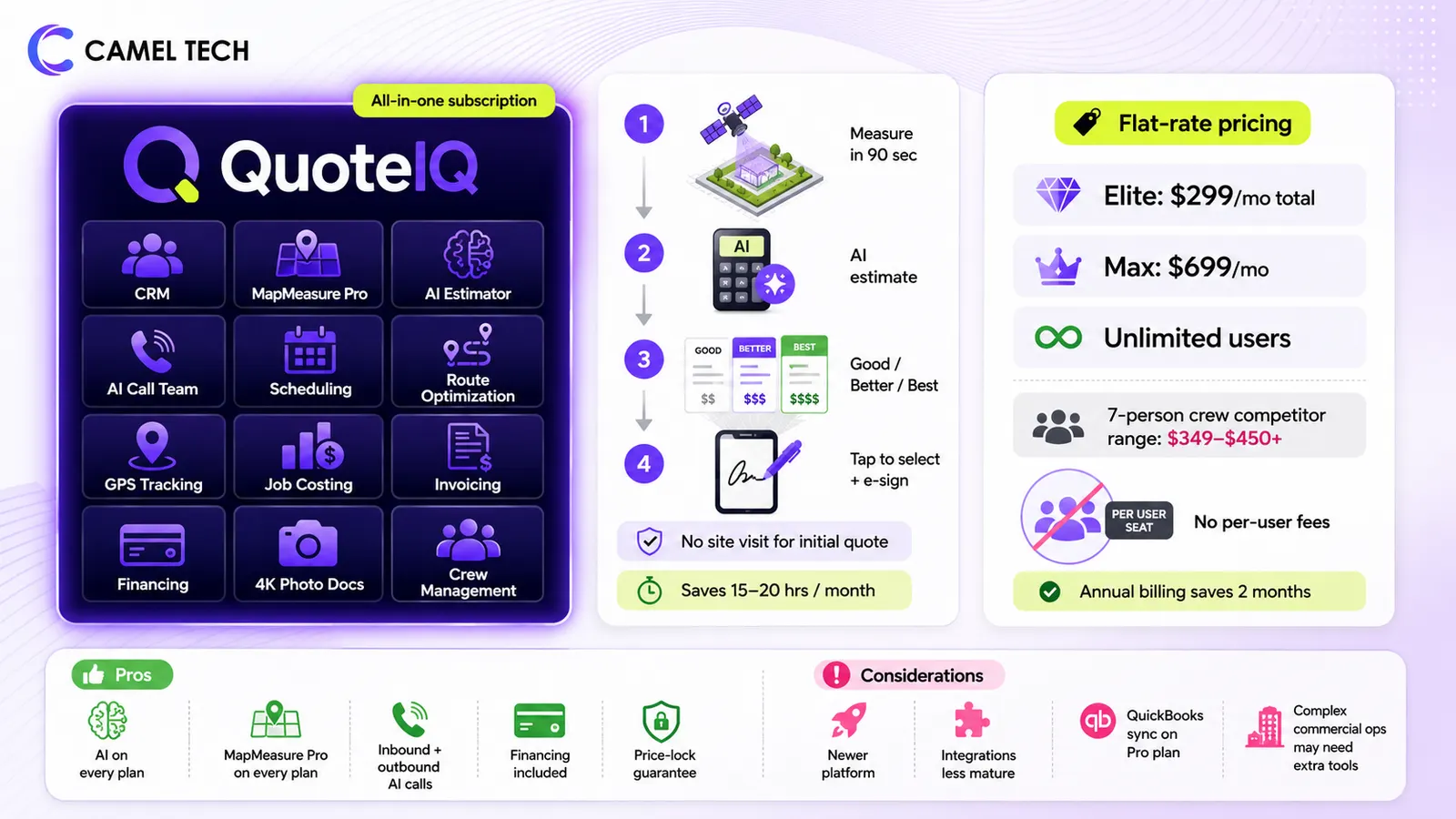
The flat-rate pricing model with no per-user fees is the structural advantage. A 7-person crew on Elite pays $299/month total. The same team on Jobber pays $349 to $450+ once add-ons are factored in. The pricing gap widens the larger the team gets. Max at $699/month with unlimited users breaks the per-seat math that every competitor relies on.
Pros:
- Every AI feature is included on every plan: AI Autopilot, Virtual Call Team, AI Estimator, Before/After Generator, CoPilot, Smart Import
- Flat-rate pricing with no per-user fees at any tier
- MapMeasure Pro satellite property measurement from Beginner ($74.99/month) and above. Essentials ($29.99/month) does not include MapMeasure Pro.
- Virtual Call Team handles both inbound and outbound calling. No competitor offers AI outbound at any price
- Consumer financing (Affirm, Klarna, Afterpay) is included on every plan
- Good/Better/Best tiered estimate presentation helps close higher-value packages
- QuoteIQ Cam photo documentation built in from Beginner ($74.99/month) and above. No CompanyCam add-on needed.
- Annual billing saves 2 full months. Price-lock guarantee freezes your rate
Cons:
- Newer platform. The integration ecosystem is less mature than Jobber’s
- No native MCP server for advanced AI agent orchestration
- QuickBooks sync requires the Pro plan ($149.99/month). Not available on Essentials or Beginner
- Capterra review volume is still building (strong App Store presence, smaller on G2/Capterra)
- Complex commercial landscape operations with multi-phase project management may need additional tools
Automation snapshot: AI Autopilot handles CRM actions via voice or text commands. Virtual Call Team answers calls 24/7, qualifies leads, and runs outbound campaigns on autopilot. Estimating creation from satellite measurement to client signature can run without human intervention. Review requests, job reminders, and follow-up sequences fire automatically.
Best for: Landscaping businesses from solo operators ($29.99/month) to 15+ person crews ($299 to $699/month) that want every AI tool included without add-on pricing. The best value-to-feature ratio in the category.
2. Jobber
Category: Purpose-built field CRM
Overall: 8.7/10 | Features: 8.9/10 | Ease: 8.5/10 | Value: 8.0/10 | AI Depth: ★★★ G2: 4.6/5 (478 reviews)
App Store: 4.8/5 iOS, 4.7/5 Android 400,000+ service professionals across 70+ countries, 100,000+ businesses
Standout feature: Recurring jobs and route-ready scheduling for repeat landscape services. The most established field service CRM in the category.
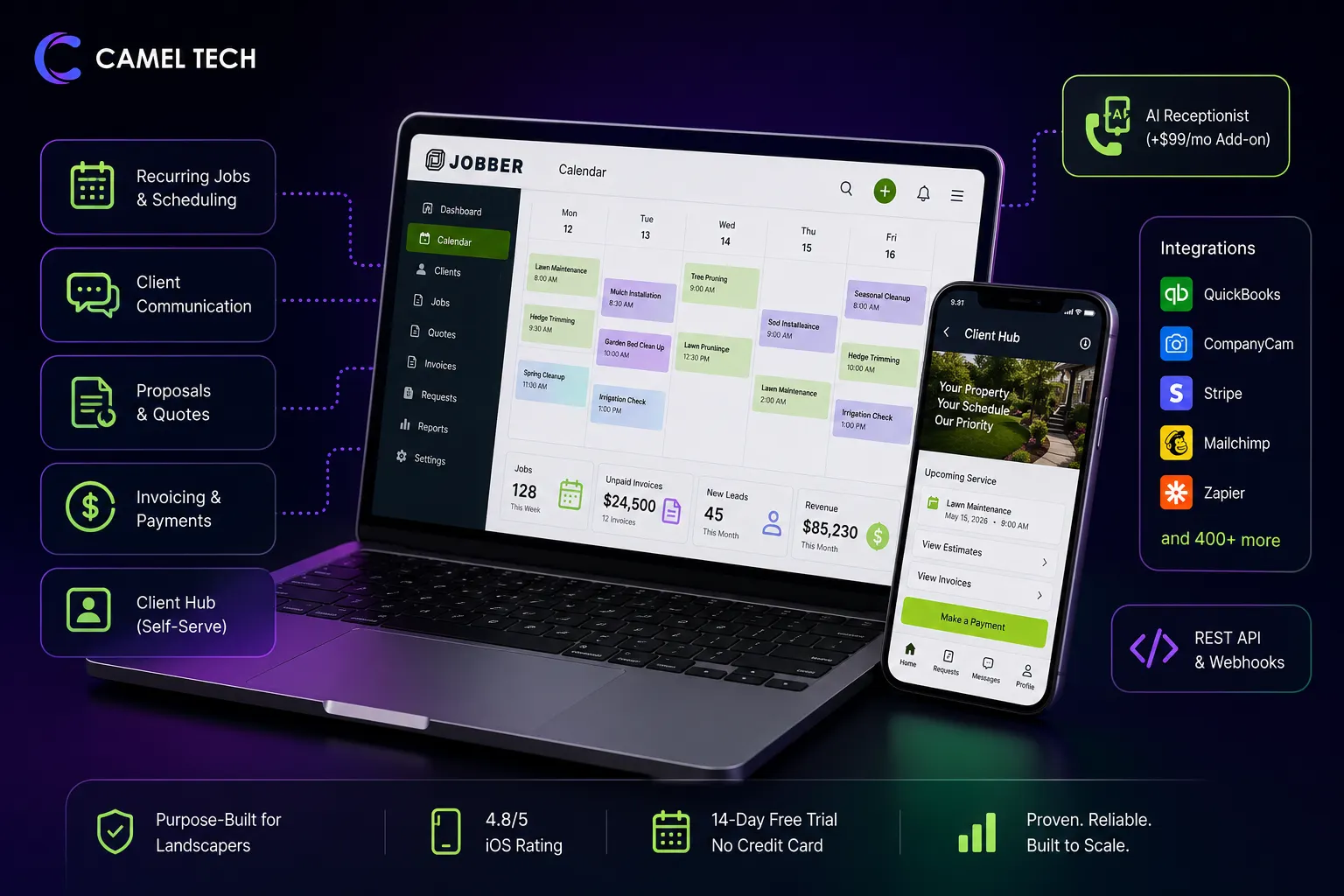
Jobber’s visual scheduling calendar with recurring jobs, route planning, and crew assignment.
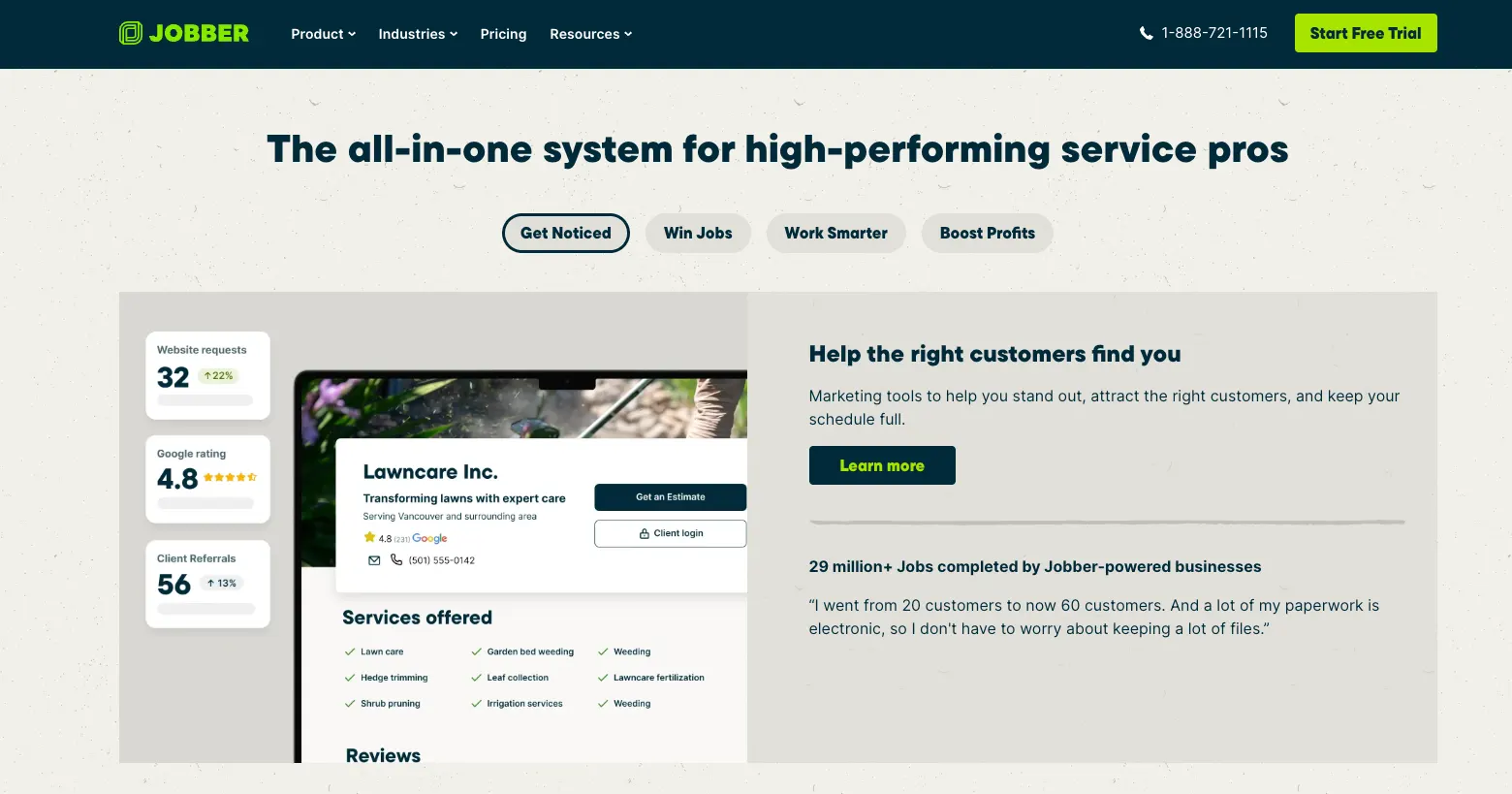
Jobber is the standard for professional landscaping companies. It was purpose-built for this use case, and it shows. Lead to invoiced job lives in one workspace. The visual calendar handles recurring services cleanly. Client communication, proposal sending, and payment collection all connect to the same job record. The client hub portal gives customers a self-serve view of scheduled work, reducing inbound calls.
The integration ecosystem is Jobber’s structural advantage over QuoteIQ. 7,000+ apps connectable via Zapier, 400+ native App Marketplace integrations including QuickBooks, CompanyCam, Stripe, Mailchimp, and a public REST API with webhooks that make third-party connections reliable. For businesses that already run a tech stack and need the scheduling tool to plug in cleanly, Jobber’s ecosystem is the most proven.
Where Jobber falls short in 2026 is AI depth and pricing transparency. The AI Receptionist at $29/month add-on still layers usage-based overages on top of an already tiered base plan. Jobber AI (Chat and Voice) is a genuine improvement and is included on all plans, but it doesn’t execute CRM actions autonomously. No satellite measurement, no AI estimating, no AI-generated visuals, no outbound calling. The per-user pricing model ($29/additional user) also means costs climb linearly with team size in a way that flat-rate models like QuoteIQ’s don’t.
Pros:
- Most established field service CRM for landscaping. The industry benchmark
- Recurring jobs and seasonal scheduling match real landscape operations
- Client hub portal reduces inbound “when are you coming?” calls
- Most mature integration ecosystem (Zapier, QuickBooks, CompanyCam, Stripe, Mailchimp)
- Public REST API with webhooks. Best for third-party AI integration
- Mobile app consistently rated best-in-class (4.8/5 iOS)
- 14-day free trial, no credit card required
Cons:
- Per-user pricing ($29/additional user) compounds at scale
- AI Receptionist is a $29/month add-on (30 conversations included; $0.79 per additional conversation). Included in Plus at no extra cost.
- No satellite property measurement
- No AI estimating or AI-generated before/after visuals
- Photo documentation requires the CompanyCam add-on (~$19/user/month)
- Marketing Suite is a $79/month add-on for review automation and campaigns
- A 10-person team realistically pays $450 to $750/month all-in
Automation snapshot: Automated quote follow-up reminders, job completion notifications, and review requests. Jobber AI (Chat and Voice, all plans) provides business analytics, quote drafting, and hands-free field updates. AI Receptionist ($29/month add-on) handles inbound calls and texts. For deeper automation, Jobber pairs with Zapier or Make.
Best for: Landscaping teams running 3 to 15 crews who value a proven, mature platform with the strongest integration ecosystem, and whose AI needs are limited to basic call answering and analytics. The industry standard before AI became table stakes.
3. Housecall Pro
Category: Home services CRM
Overall: 8.4/10 | Features: 8.7/10 | Ease: 8.3/10 | Value: 8.1/10 | AI Depth: ★★★
Over 200,000 home service professionals
Standout feature: Two-way text and email automations for quote follow-ups and job status updates. Strongest QuickBooks Desktop support in the category.
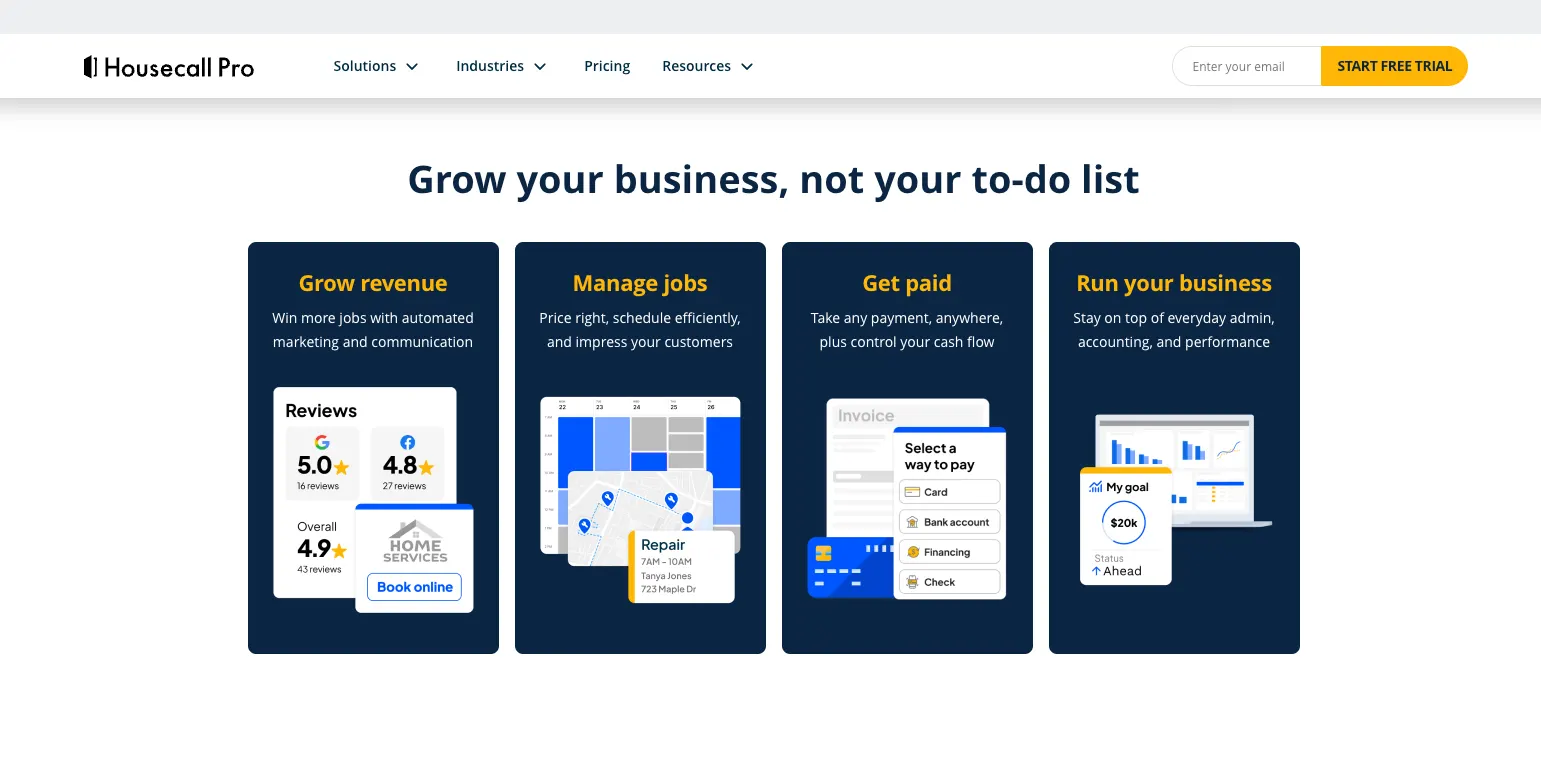
Housecall Pro’s mobile-first interface: job scheduling, dispatch, and payments from the field.
Housecall Pro sits between Jobber and ServiceTitan in scale fit. It’s the strongest mobile-first option for owner-operators and small crews who need dispatch, scheduling, invoicing, and customer communication in one place. The built-in two-way text and email automations are genuinely useful. They handle the follow-up work that most small landscaping businesses skip.
The AI Team Suite is growing. Analyst AI, Coach AI, and Marketing AI are included on all plans and provide real value for quick business questions, pricing advice, and campaign copy. CSR AI now handles voice call answering and job scheduling natively, available as a paid add-on. A separate HCP Assist add-on covers 24/7 call answering. Third-party integrations for voice are no longer required.
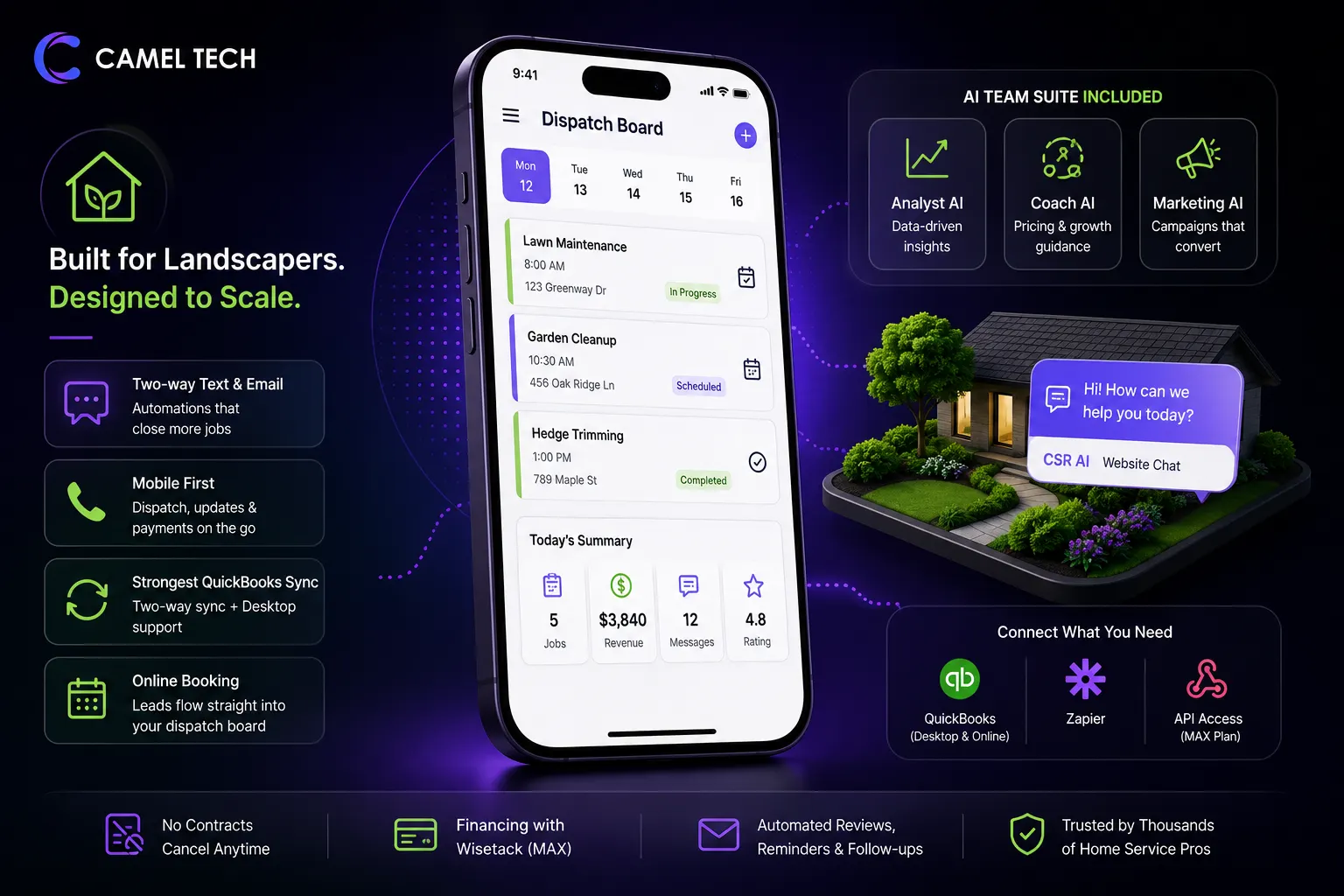
The QuickBooks integration is notably deeper than Jobber’s. Two-way sync plus Desktop support (not just Online), which matters for landscaping businesses still running Desktop.
API access is gated to the MAX plan ($299 to $329/month). If you plan to integrate Housecall Pro with custom AI tools, an n8n agent, or any external system that requires API access, confirm your plan includes it before committing.
Pros:
- Two-way text and email automations reduce manual follow-up
- Mobile-first design for job check-ins, status updates, and field payments
- Strongest QuickBooks sync in the category (two-way + Desktop support)
- Analyst AI, Coach AI, and Marketing AI are included on all plans
- Consumer financing via Wisetack (MAX plan)
- Online booking widget feeds directly into the dispatch board
- No-contract, cancel anytime on any plan
Cons:
- AI voice call answering via CSR AI and HCP Assist add-ons: pricing not publicly listed; requires an add-on subscription
- API access gated to MAX plan ($299 to $329/month)
- No satellite property measurement
- No AI estimating or AI-generated before/after visuals
- Additional users on MAX cost $35/month each
- Feature jumps between Basic and Essentials are significant. Most real usage requires Essentials ($149 to $189/month)
Automation snapshot: Built-in automated review requests, reminder texts, follow-up sequences for unanswered quotes, and job completion notifications. CSR AI handles website chat. Analyst AI and Coach AI provide data-driven business insights. For AI voice call answering, use CSR AI or HCP Assist, both available as paid add-ons directly within Housecall Pro.
Best for: Owner-operators and 3 to 8 person crews who want mobile-first scheduling, strong QuickBooks integration, and built-in communication automation. Best fit for operators who prioritize ease of daily use over AI depth.
4. monday.com
Category: All-in-one Business OS
Overall: 8.3/10 | Features: 9.0/10 | Ease: 8.8/10 | Value: 8.5/10 | AI Depth: ★★★★★
Standout feature: CRM pipelines, job boards, AI agents, and 200+ automation recipes in one platform. The strongest AI agent capabilities of any tool on this list.
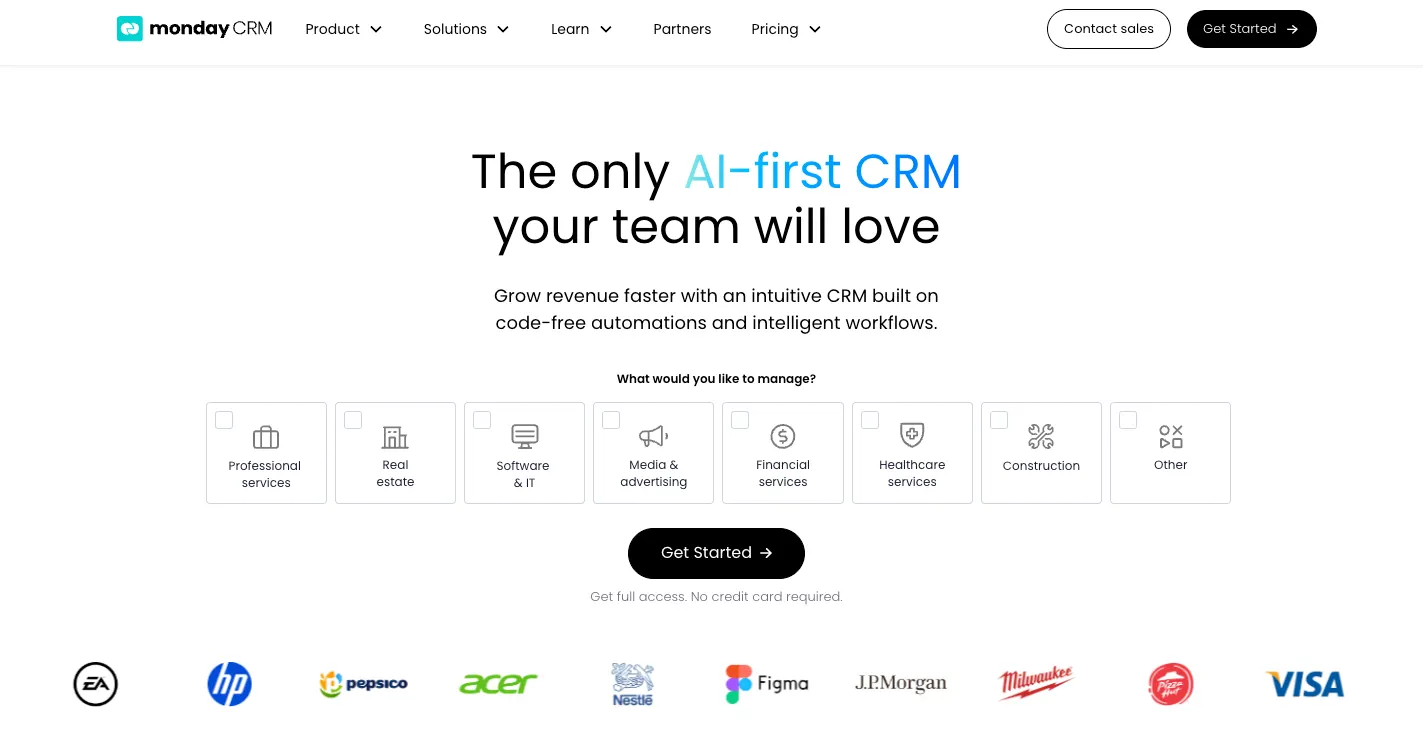
monday.com isn’t built specifically for landscaping. That’s the argument for it. It gives you a configurable operating system. CRM, project management, client communication, and AI agents in one workspace. SDR Agent, Lead Agent, and Outreach Agent handle prospecting and follow-up autonomously. Monday Sidekick works across your boards as a context-aware assistant.
monday.com CRM: configurable pipeline boards, AI agents, and cross-board dashboards in one workspace.
For landscaping businesses at $500K to $5M that need to systematize before scaling, monday.com as the business OS paired with a field tool like Jobber or QuoteIQ for daily dispatch is the stack we implement most often.
Best for: Landscaping businesses past $500K that want to consolidate their tool stack and build toward AI-driven operations.
5. ServiceTitan
Category: Enterprise field CRM
Overall: 8.2/10 | Features: 9.1/10 | Ease: 7.4/10 | Value: 7.0/10 | AI Depth: ★★★★
Standout feature: Enterprise-grade dispatch with Titan Intelligence AI. the deepest operational backbone for $3M+ landscape operations.
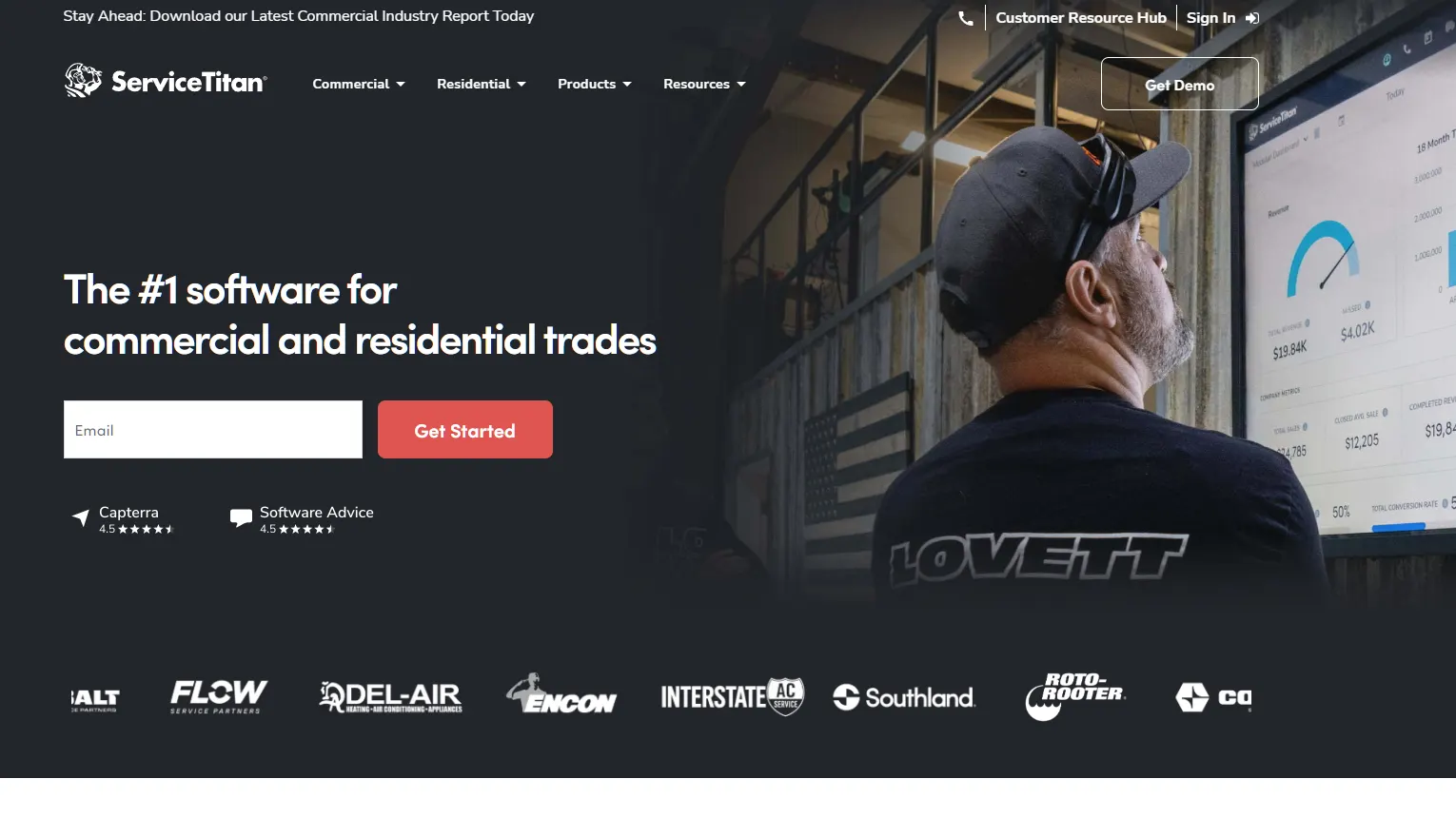
ServiceTitan is enterprise-grade. Work order dispatch, technician scheduling tied to invoicing, and Titan Intelligence AI for business analytics. Pricing starts at $245 to $500 per technician per month, with $5K to $50K implementation costs. Only makes sense for operations with 20+ technicians and dedicated office staff.
ServiceTitan’s enterprise dispatch board: technician scheduling, work orders, and real-time job status.
Best for: Landscape operations above $3M with the budget for enterprise implementation.
6. HubSpot CRM
Category: Sales-first CRM
Overall: 8.0/10 | Features: 8.6/10 | Ease: 8.4/10 | Value: 7.5/10 | AI Depth: ★★★★
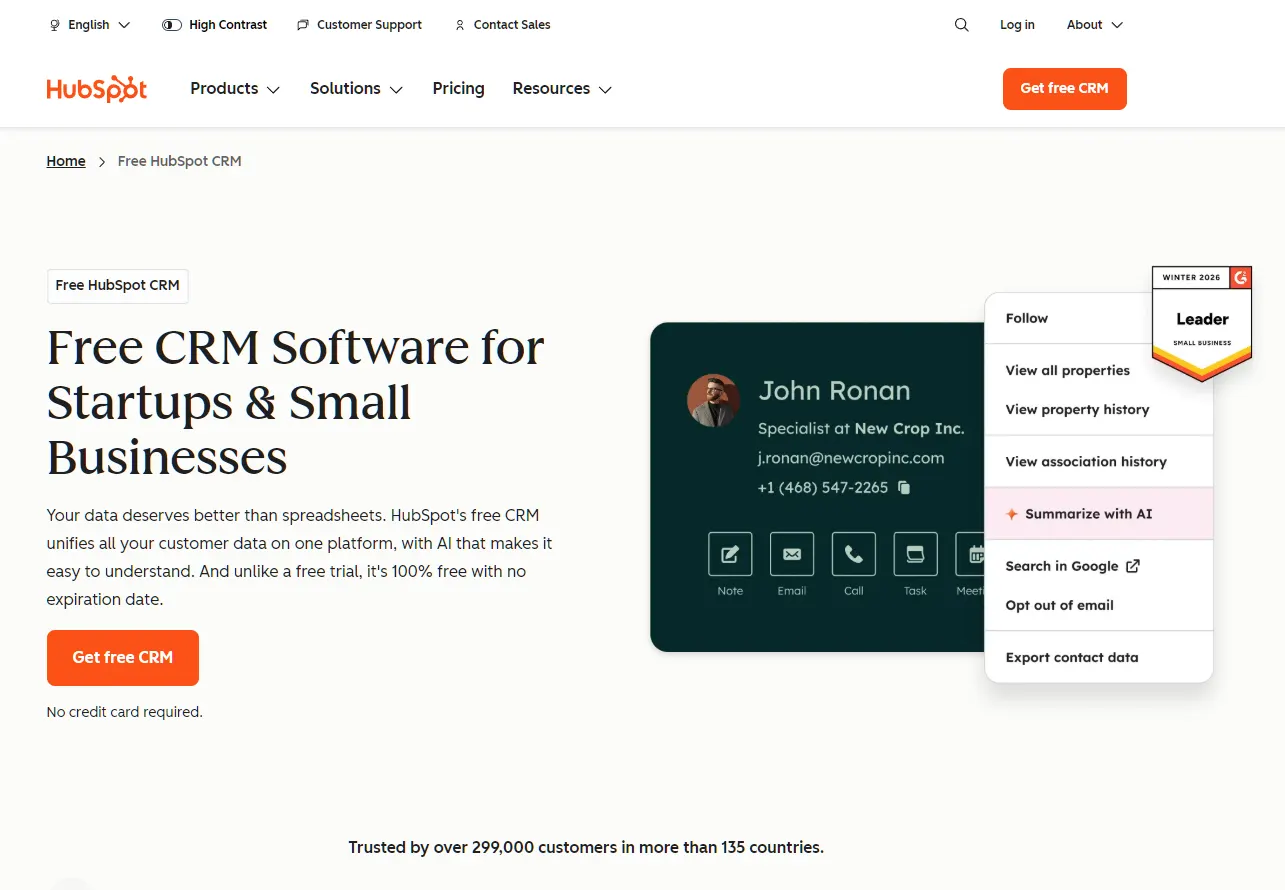
Standout feature: Free CRM with enterprise-grade email sequences and AI-assisted lead scoring.
HubSpot earns a spot for landscaping companies with a dedicated commercial sales function. The free tier is genuinely capable. The critical gap is field execution. HubSpot doesn’t schedule crews or dispatch jobs. For commercial landscaping teams, HubSpot + Jobber or QuoteIQ connected via Zapier or Make is a stronger stack than either tool alone.
Best for: Landscaping companies with a dedicated BDM closing commercial accounts.
7. simPRO
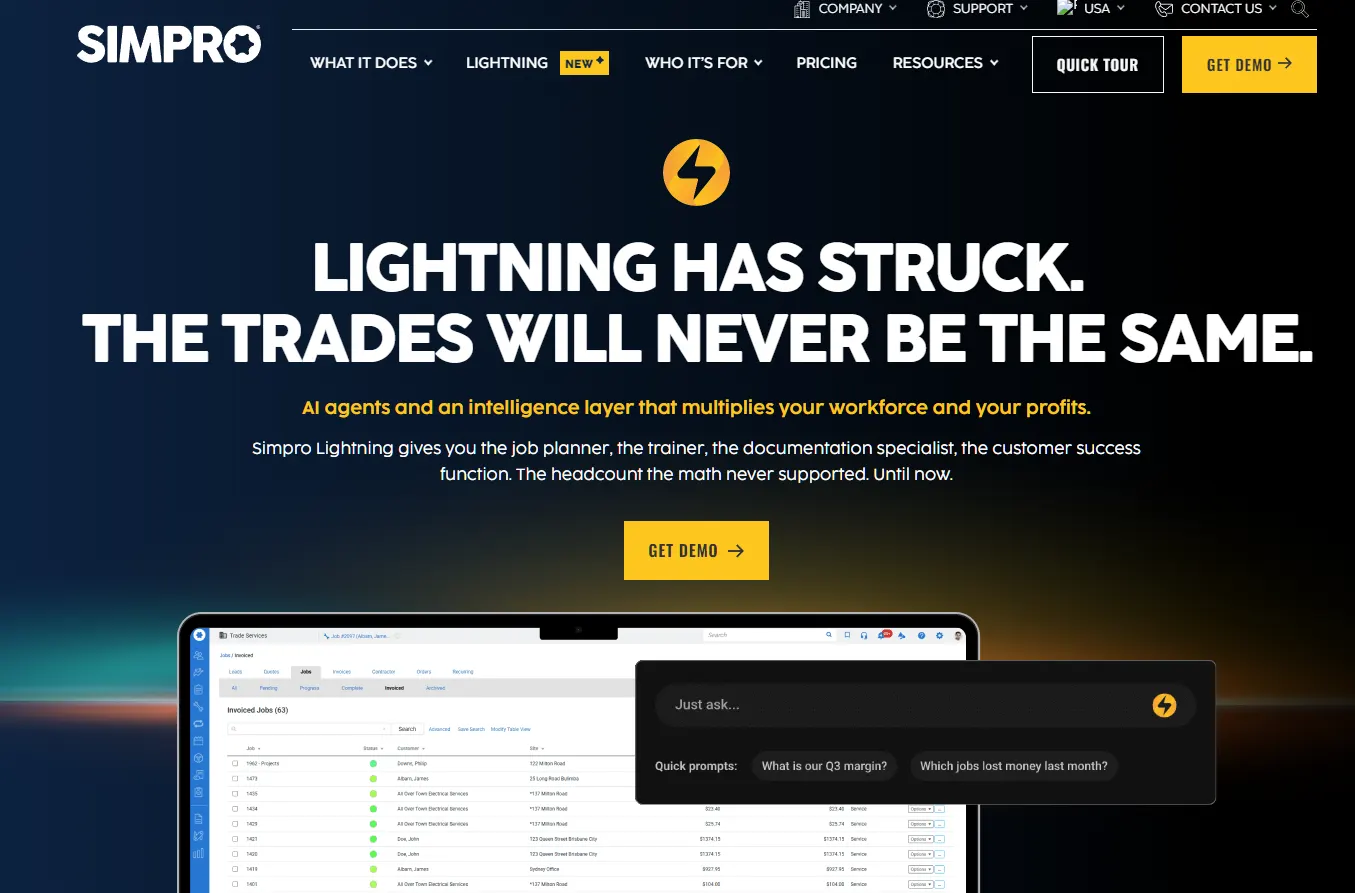
Category: Field service ops
Overall: 7.8/10 | Features: 8.4/10 | Ease: 7.2/10 | Value: 7.7/10 | AI Depth: ★★
Standout feature: Quote-to-job workflow linking CRM to scheduling, dispatch, job costing, and invoicing. The strongest job costing tool on this list.
For landscaping contractors, where accurate job costing per project is non-negotiable. commercial installs, large residential projects, multi-phase builds. simPRO‘s cost tracking depth is its defining advantage.
Best for: Large install and construction-adjacent landscaping companies needing granular job costing.
8. Workiz
Category: Scheduling CRM
Overall: 7.5/10 | Features: 8.0/10 | Ease: 7.4/10 | Value: 7.2/10 | AI Depth: ★★
Standout feature: Two-way texting for job updates and customer follow-ups tied directly to scheduled jobs.
Solid mid-tier choice for teams that have outgrown spreadsheets but aren’t ready for platform-level configuration.
Best for: Landscape service teams wanting scheduling-first CRM with two-way texting.
9. FieldPulse
Category: Field routing CRM
Overall: 7.4/10 | Features: 8.0/10 | Ease: 7.3/10 | Value: 7.5/10 | AI Depth: ★★
Standout feature: Mobile field checklists that keep job status and customer context synchronized.
Focused on route-based and repeatable field service operations. Strong mobile checklist experience for crews needing step-by-step job guidance.
Best for: Repeat route-based service operations where checklist-driven field execution is the priority.
10. Kickserv
Category: Lawn care CRM
Overall: 7.1/10 | Features: 7.5/10 | Ease: 7.0/10 | Value: 7.4/10 | AI Depth: ★
Standout feature: Simple lead-to-job pipeline for lawn care businesses. Easiest setup on this list.
The most accessible starting point. No AI, minimal automation. Good for getting organized. Expect to outgrow it within 18 to 24 months.
Best for: Solo operators and startup lawn care businesses that need organized records before they need a platform.
Buyer's Guide
Choosing the right CRM depends on your growth stage, not just your feature wishlist.
What Is Landscape CRM Software in 2026?
A landscape CRM used to mean a place to store contacts and track jobs. In 2026, the best ones quote the job for you, answer your phone at 3 am, follow up with leads you forgot about, and show your clients what their yard will look like before you’ve touched a shovel.
The gap between “organized” and “AI-automated” is where most landscaping businesses between $300K and $2M leave 10 to 20 hours per week and a significant amount of revenue on the table.
The 5 AI Features That Actually Matter for Landscaping in 2026
1. AI call answering (inbound + outbound): Which tool picks up when you can’t and calls back when you don’t? QuoteIQ’s Virtual Call Team is the only platform with both inbound and outbound AI calling included natively.
2. AI-powered estimating: Which tool generates market-accurate estimates from a photo or satellite measurement? QuoteIQ’s AI Estimator + MapMeasure Pro is the only native solution.
3. Automated lead follow-up. Which tool sends the second and third emails without a human? All three top tools handle this, but the depth varies significantly.
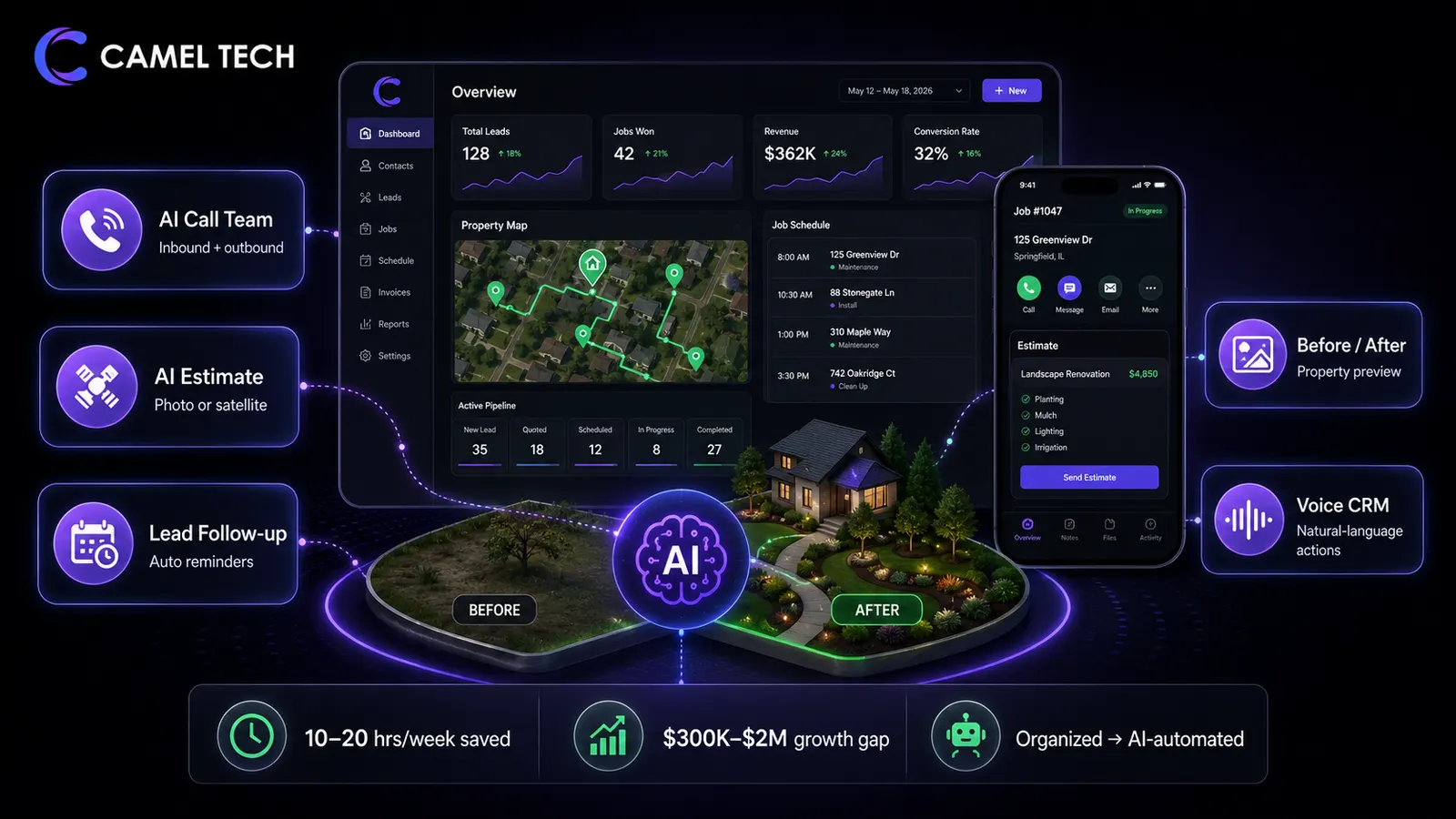
4. AI-generated property visualization. Which tool shows the client what the finished work looks like before signing? QuoteIQ’s Before/After Generator. No competitor offers this natively.
5. Natural-language CRM control. Which tool lets a crew lead manage CRM actions by voice from the truck? QuoteIQ AI Autopilot. No competitor offers this.
Who Needs Which Tool
Solo operator or startup crew → QuoteIQ Essentials ($29.99/month) or Kickserv. QuoteIQ gives you more AI at a comparable price. Kickserv is the simpler option.
Growing service company with 3 to 10 crews → QuoteIQ Pro ($149.99/month) or Jobber Connect Team ($169/month). QuoteIQ if AI and pricing matter. Jobber if integration ecosystem and industry maturity matter.
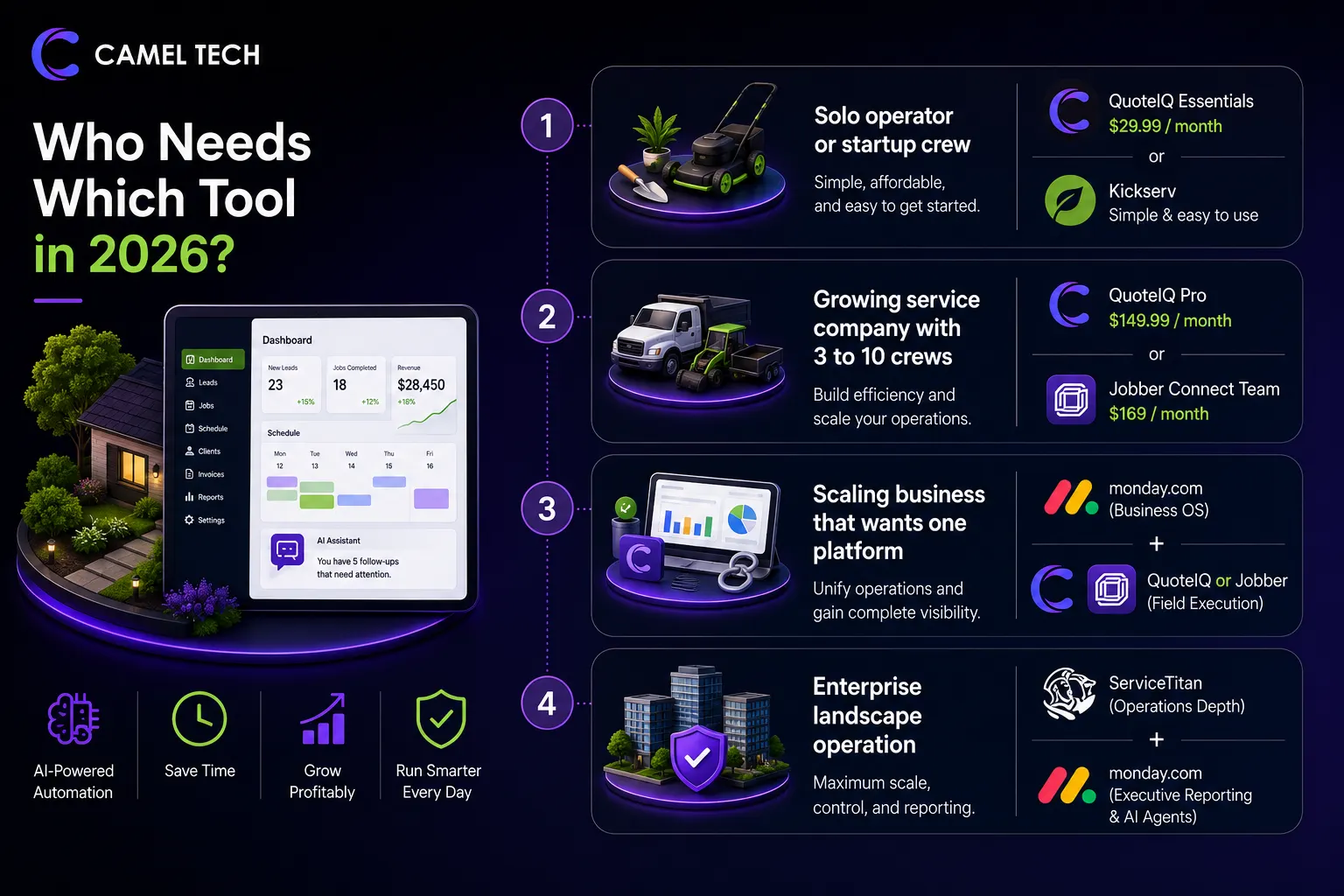
Scaling a business that wants one platform
→ monday.com for business OS + QuoteIQ or Jobber for field execution.
Enterprise landscape operation
→ ServiceTitan for operations depth. monday.com for executive reporting and AI agents.
Common Mistakes to Avoid
Comparing entry prices instead of the total cost of ownership. Jobber Core at $39/month looks cheaper than QuoteIQ Essentials at $29.99/month until you add the features that QuoteIQ includes for free. photo docs, AI, consumer financing. The real comparison is the fully loaded cost at your team size.
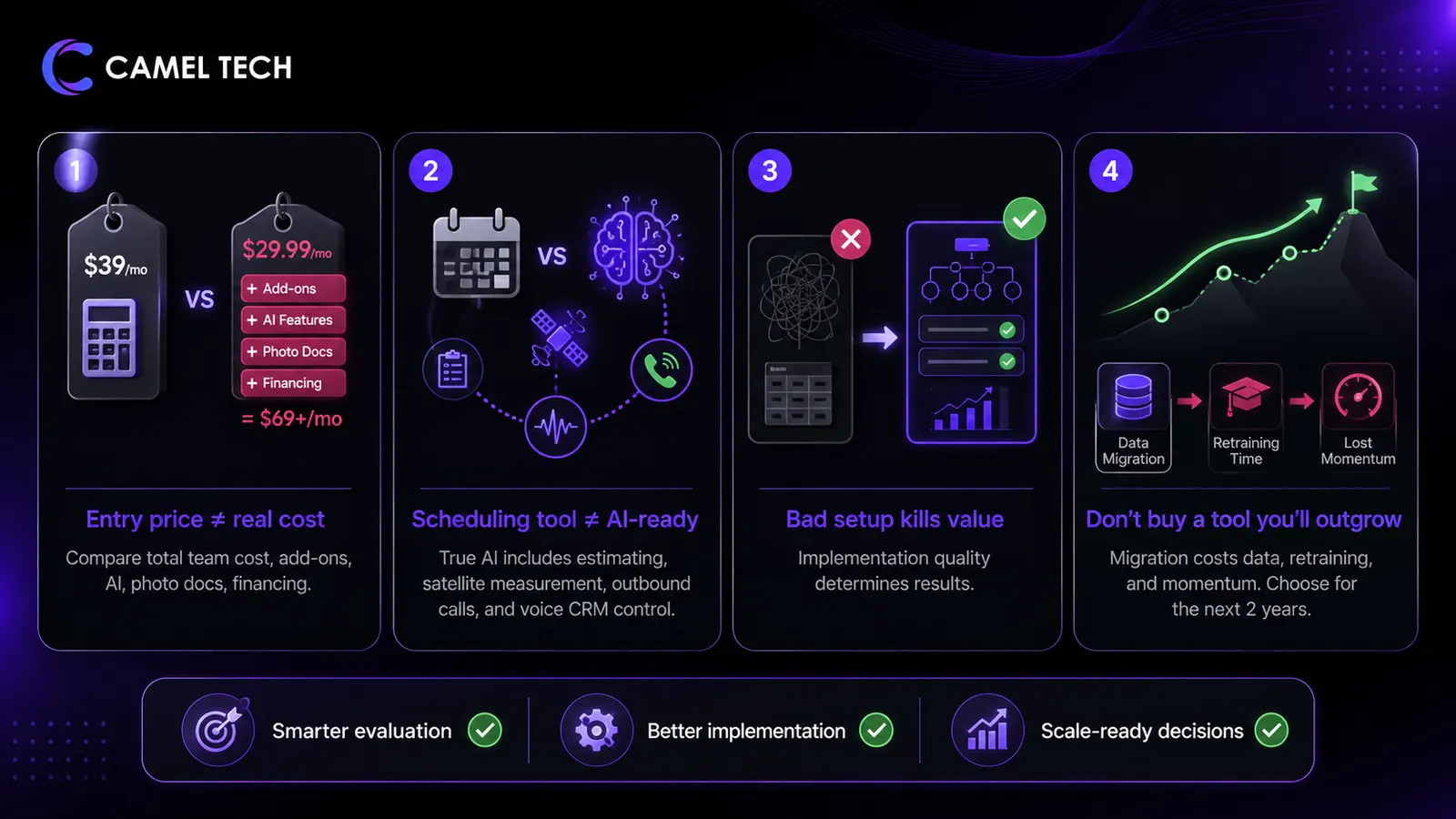
Buying a scheduling tool and calling it AI-ready. Jobber and Housecall Pro are excellent scheduling tools. Neither offers AI estimating, satellite measurement, outbound AI calling, or natural-language CRM control. If AI is a priority in 2026, evaluate accordingly.
Under-investing in setup. Every tool on this list performs proportionally to the quality of the implementation. QuoteIQ that nobody configures properly is worse than a spreadsheet.
Choosing a tool you’ll outgrow in 18 months. The migration cost. data, retraining, lost momentum. is significant. Pick the platform that fits where you’ll be in 2 years, not where you are today.
Sources
- Housecall Pro, housecallpro.com
- Jobber AI, getjobber.com
- AI Receptionist, getjobber.com
- AI Team, housecallpro.com
- CSR AI, housecallpro.com
- HCP Assist, housecallpro.com
- client hub, getjobber.com
- Free CRM, hubspot.com
- simPRO, simprogroup.com
- scheduling-first CRM, workiz.com
Not Sure Which One Is Right for You?
That’s exactly what we help businesses figure out.
At Camel Tech, we’ve helped 80+ companies implement ClickUp, Notion, and Monday.com across agencies, construction firms, accounting practices, ecommerce stores, and professional services businesses. We don’t just configure the tool. We build the system- workflows, templates, automations, and training built around how your business actually operates.
Book a free discovery call. We’ll tell you which platform fits your team and what a proper implementation looks like.
Frequently Asked Questions
Is QuoteIQ better than Jobber for landscaping?
For AI features and value-for-money at every team size, QuoteIQ wins clearly in 2026. Every AI feature is included on every plan. Jobber wins on integration ecosystem maturity, brand recognition, and the depth of its scheduling and routing features. For a landscaping business that values AI-powered estimating, call answering, and property visualization, QuoteIQ is the better choice. For a business that needs proven integrations across 7,000+ apps via Zapier and 400+ native App Marketplace connections, Jobber is safer.
How much does QuoteIQ actually cost for a landscaping business?
$29.99/month for a solo operator (Essentials, 1 user, all AI included). $149.99/month for a 4-person crew (Pro, QuickBooks sync). $299/month for a 7-person crew (Elite, GPS, route optimization). $699/month for unlimited users (Max). No per-user fees. Annual billing saves 2 months.
Which landscape CRM has the best AI in 2026?
QuoteIQ, by a clear margin, in the landscape-specific category. AI Autopilot (35-tool natural-language CRM), Virtual Call Team (inbound + outbound AI calling), AI Estimator (photo-based quoting with local pricing data), Before/After Generator, and CoPilot are all included on every plan. No competitor matches this depth natively.
Does Jobber have AI?
Jobber has Jobber AI (Chat and Voice, included on all plans) for business data queries, quote drafting, and hands-free field work, and an AI Receptionist ($29/month add-on, 30 conversations included, $0.79 per additional conversation) for inbound call answering. Jobber AI is no longer in beta. AI Receptionist handles inbound calls and texts only. No outbound calling. Both are functional but limited compared with QuoteIQ's full AI stack.
Can I integrate QuoteIQ with external AI tools like Claude or GPT?
QuoteIQ has an outbound API with webhook support that fires real-time notifications when CRM events occur (estimate created, schedule updated, invoice sent). These webhooks can be received by Zapier, Make, or n8n, which can then trigger AI workflows in Claude, GPT, or any other tool. There's no native MCP server, but the webhook architecture supports the same integrations through standard automation platforms.
What's the best CRM for a landscaping company under $500K?
QuoteIQ Essentials at $29.99/month or Jobber Core at $39/month. QuoteIQ gives you more features at a lower price. AI estimating, AI call answering, and consumer financing are all included on Essentials. Satellite measurement (MapMeasure Pro) unlocks at the Beginner plan ($74.99/month). Jobber gives you a more mature ecosystem with broader third-party integrations. Both are strong starting points. Jobber gives you a more mature ecosystem with broader third-party integrations. Both are strong starting points.
How long does QuoteIQ take to set up?
Most solo contractors are operational in under 20 minutes on Essentials. A full Pro or Elite setup with QuickBooks sync, team configuration, and AI calibration takes 1 to 3 days. Compare that to Jobber (1 to 5 days for similar scope) and ServiceTitan (weeks to months for enterprise implementation).
Can I use monday.com with QuoteIQ or Jobber?
Yes. Monday.com as the business operating system (CRM pipelines, client management, reporting, AI agents) paired with QuoteIQ or Jobber for field execution (scheduling, dispatch, invoicing) is the stack we implement most often for landscaping businesses between $500K and $5M. The connection runs through Zapier, Make, or n8n.
Which tool has the best mobile app for field crews?
Jobber (4.8/5 iOS) and QuoteIQ (4.7/5 iOS across 2,900+ App Store reviews, 4,100+ total across platforms) both have strong mobile apps. QuoteIQ's key differentiator is full feature parity on mobile. Every feature runs at the same depth on the phone as on the desktop. Jobber's app is slightly more polished for scheduling views.
What does a proper landscape CRM implementation cost with a partner?
At Camel Tech, a standard landscape CRM implementation. CRM configuration, automation setup, AI calibration, QuickBooks integration, and team training. Typically runs 2 to 4 weeks for a growing landscaping business. The investment varies by complexity. Book a free discovery call for a specific scope and estimate.

Written By
Founder, Camel Tech
Imrul Hasnat is a two-time founder and the Founder of Camel Tech. With years of experience in SaaS and product management, he has built SaaS products from scratch, combining hands-on expertise in product development, user experience, business process optimization, and scalable systems. He holds industry-recognized credentials as a ClickUp Verified Consultant, Notion Certified Consultant, and monday.com Official Partner, alongside Professional Scrum Master (PSM I) and Professional Scrum Product Owner (PSPO I) certifications. His experience spans product strategy, operational systemization, workflow automation, and AI-driven business transformation.
Subscribe to the SCALEable™ Newsletter
2,000+ business owners getting regular insights on AI tools, systemization, and business scaling. Explore our latest articles.