
ClickUp vs Monday: Honest Review After 80+ Implementations (2026)

Imrul
- April 29, 2026
15 min read
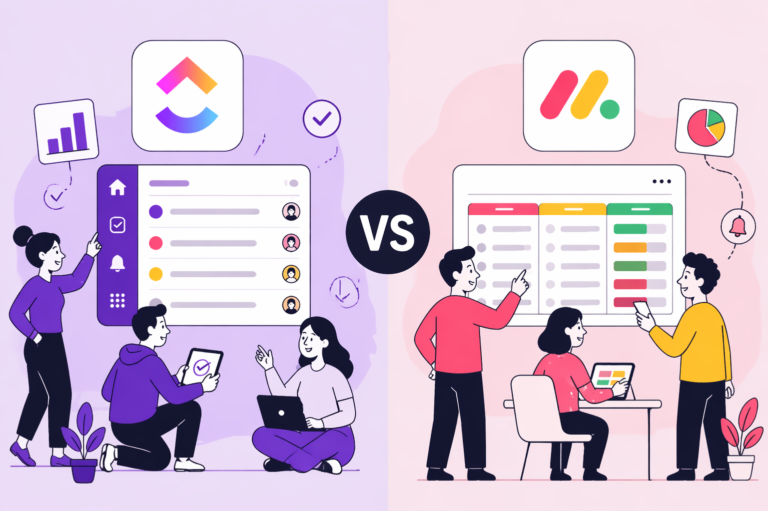
Table of Contents
Quick Answer
Choosing between ClickUp and Monday isn’t about which tool has more features. It’s about how your team actually works, who will use the system day-to-day, and how much time you can invest in setup.
Pick ClickUp when your priority is depth, consolidation, and long-term control.
ClickUp is the better fit if you need one platform to replace multiple tools: tasks, docs, time tracking, chat, whiteboards, and more. It works best when you have someone, internally or with a consultant, who can configure it properly. It shines when your work has layers: multiple clients, cascading dependencies, billable hours, and cross-department reporting. Teams willing to invest 2–4 weeks in setup are rewarded with a system that grows with them.
Best industries for ClickUp: agencies, software and dev teams, professional services, consulting firms, and any operation-heavy business where workflows are complex and cross-functional. Construction companies with detailed project phasing also benefit from ClickUp’s hierarchy.
G2: 4.7/5 from 11,000+ reviews. Ranked #1 in 5 categories and Top 3 in 526 reports in G2’s Winter 2026 Report.
Pick Monday when your priority is speed of adoption and visual clarity.
Monday is the better fit if your team is non-technical, you need people productive within days, not weeks, and you value polished dashboards for client reporting. Its board-based interface feels intuitive out of the box, and the separate product lines, Work Management, CRM, Dev, and Service, let teams adopt only what they need without paying for unused complexity. The mobile app is also better suited for fieldwork.
Best industries for Monday: marketing teams, sales-driven SMBs, construction trades, real estate, property management, healthcare administration, and any team where the people using the tool daily aren’t “systems people.”
G2: 4.7/5 from 17,695 reviews — one of the highest review counts in the project management category.
H2- TITLE- Why Trust This Content
Most comparison articles are written by someone who tested a 14‑day free trial or is a content creator.
This one isn’t.
At Camel Tech, we have implemented ClickUp and Monday across 80+ businesses – agencies, construction firms, accounting practices, ecommerce stores, and professional services companies.
We are a Monday Official Partner and a Certified ClickUp Consultant.
H4-SUB TITLE- Why Trust This Content Why Trust This Content
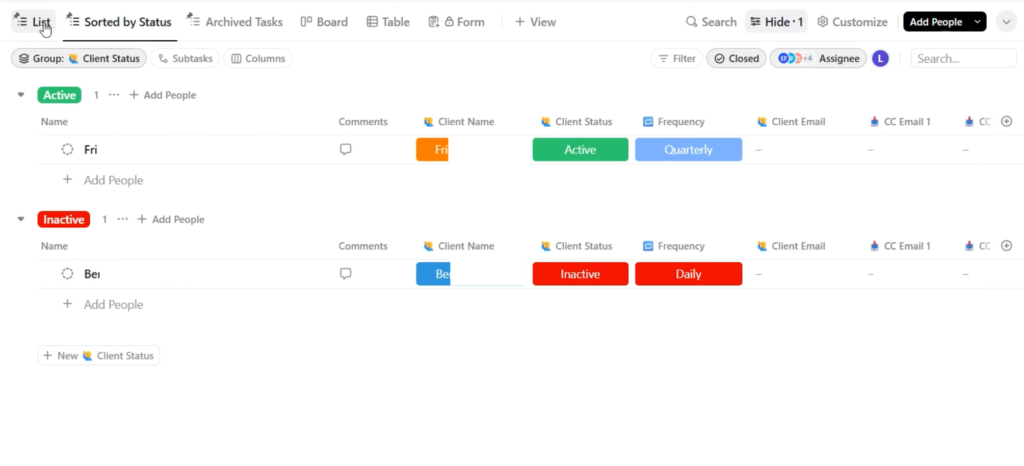
We have watched both succeed. We have watched both fail.
This content is built on:
• Practical experience from implementing ClickUp and Monday for 80+ companies.
• Deep platform knowledge from Camel Tech’s certified ClickUp and Monday experts.
• Authentic user reviews from trusted platforms such as G2, Capterra, TrustRadius, and Trustpilot.
• Interviews with founders and industry experts to capture real-world decision drivers.
ClickUp bets on consolidation. One tool, everything inside it. This works well when you have someone, internal or external, who can set it up properly.
How much does Monday AI cost?
Monday gives every paid plan 500 free AI credits per month. Each credit costs $0.01. Basic AI features like text generation and summaries are covered by those free credits for light usage. But if your team uses AI heavily, especially through automations, those 500 credits run out fast. The cheapest paid AI add-on starts at $200 per month, billed annually. So, Monday AI is not free; it just has a lower entry point for light users.
How long does Monday take to set up?
Monday reaches full productivity in 2 to 3 days. There is less depth compared to ClickUp, but faster adoption means less resistance and fewer support requests from your team.
H5-Who should choose ClickUp?
| Feature | ClickUp | Monday |
|---|---|---|
| Time tracking | ||
| Native time tracking | Yes — all paid plans | Yes — Pro plan and above ($19/seat) |
| Billable hours | Yes | Yes — Pro and above |
| Time estimates | Yes | Yes |
| Automations | ||
| Automation builder | Yes — no-code | Yes — no-code, simpler UI |
| Monthly automation actions | Unlimited: 100 · Business: 10,000 · Enterprise: 100,000+ | Standard: 250 · Pro: 25,000 · Enterprise: 250,000 |
| Ease of automation setup | Functional but clunky | More intuitive |
Verdict: ClickUp for complex hierarchies and template-driven delivery. Monday for visual simplicity.
Imrul Hasnat, Camel Tech (80+ implementations):“The biggest mistake I see companies make is choosing a tool based on a feature list. The real question is: will your team actually use it? A powerful tool nobody adopts is worth nothing. I’ve seen both ClickUp and Monday.com fail; always because of bad implementation, not the tool itself.”
Frequently Asked Questions (FAQ)
Neither is universally better. ClickUp wins for agencies, tech teams, and operations-heavy businesses needing native time tracking and deep automation. Monday.com wins for marketing teams, sales-driven orgs, ecommerce, construction trades, and businesses where fast adoption is the priority.
ClickUp 4.0 launched on December 9, 2025, the biggest redesign in ClickUp's history. Rebuilt navigation, Teams Hub, AI Planner, Subfolders, ~40% faster load times, and Super Agents. ClickUp 3.0 was deprecated on March 27, 2026.
AI workers that appear as real users in your workspace. @mentionable, assignable, schedulable, configurable with 500+ skills. Episodic and long-term memory. Launched December 2025, powered by ClickUp's Codegen acquisition.
Monday's no-code app builder. Describe what you want, Vibe generates it; fully functional, on Monday's infrastructure, enterprise-grade security. The building is free. 17,000+ apps built within two months of launch.
Not Sure Which One Is Right for You?
That’s exactly what we help businesses figure out.
At Camel Tech, we’ve helped 80+ companies implement ClickUp, Notion, and Monday.com across agencies, construction firms, accounting practices, ecommerce stores, and professional services businesses. We don’t just configure the tool. We build the system- workflows, templates, automations, and training built around how your business actually operates.
Book a free discovery call. We’ll tell you which platform fits your team and what a proper implementation looks like.
Read Related Articles
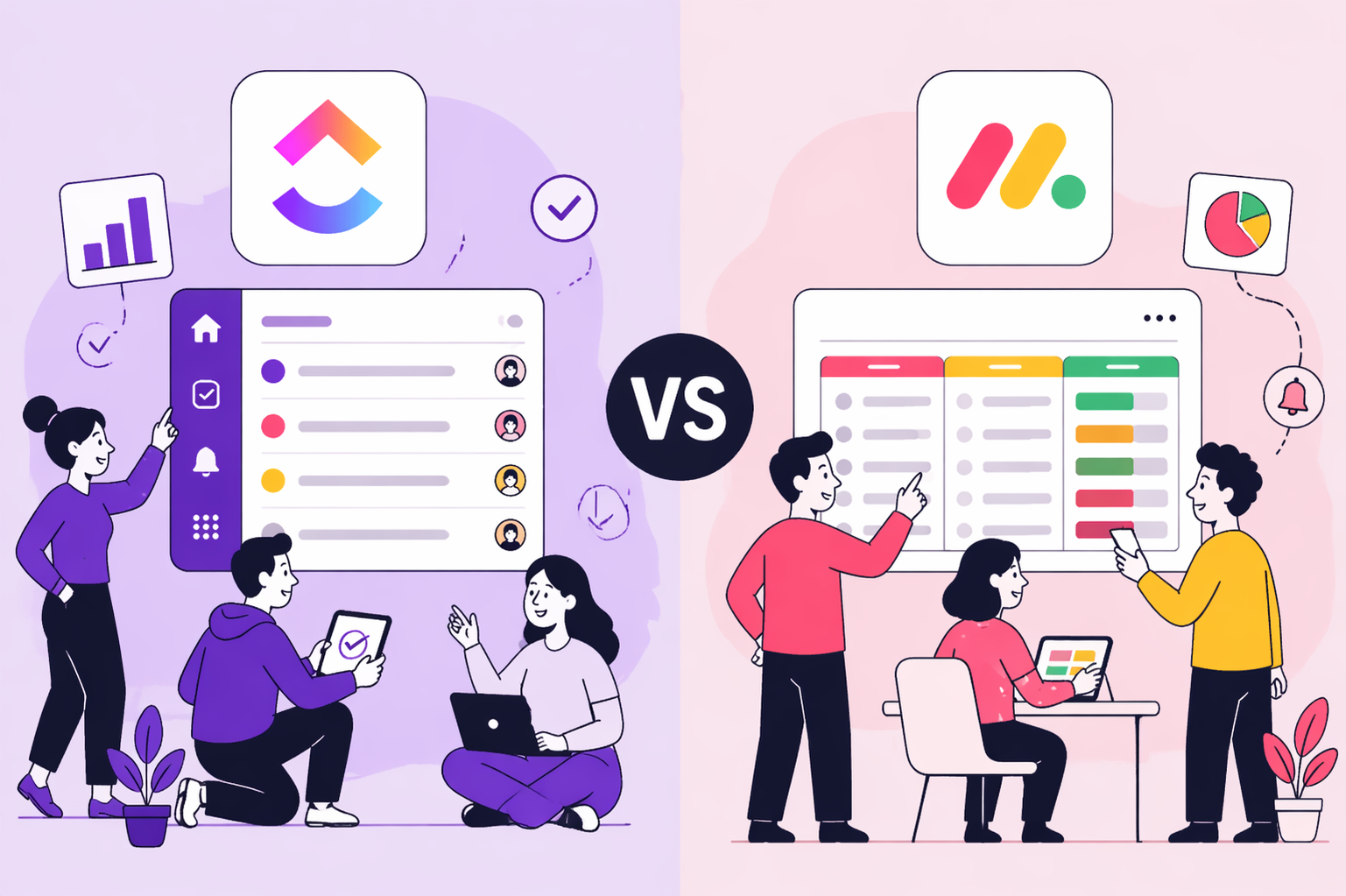
Honest Review After 80+ Implementations
Answer Engine Optimization (AEO) is
This report distills real insights
Build a business that thrives without you
Unlock your ultimate life goals: Focus on high-leverage tasks, personal growth, and family time while pursuing your next big initiative.
Let's book a call with our expert.
